PanifyPanify
  • Explore
  • Pricing
  • Blog

Create with leading AI models

One idea. Every creative possibility.

Turn an idea, image, or product into video and visual content with a clear path to the right AI model and Studio.

Describe the scene, product, or story you want to create, then continue with the selected model in Panify Studio.

VideoSeedance 2.5Add references in StudioContinue in Video Studio
Create an image →Explore model guides →Find a creative route →
Explore model familiesSeedanceKlingWanMiniMaxHappyHorseSeedreamChatGPT ImagesGemini ImageQwen-Image

Model library

Start with the right creative engine.

See what each model family is designed to help with, review verified details, and enter Studio only when a supported workflow is available.

Explore Seedance models
Seedance 2.5 production example with a character in a cinematic scene
Available in Video Studio

Seedance 2.5

Open the supported video workflow or review the model guide before creating.

Kling 3.0 official video generation example
Model guide

Kling 3.0

Explore the model family, documented capabilities, examples, and Panify status.

Wan 3.0 official multimodal creation example
Model guide

Wan 3.0

Review multimodal creation concepts and verified availability information.

Model guide

MiniMax H3

Understand the full-modal model direction and the workflows Panify is tracking.

Model guide

HappyHorse 1.1

Explore the model family, version notes, creative use cases, and current status.

Creative route finder

Start with the goal, not the model name.

Choose what you are making. Panify shows a transparent starting route, including the Studio, model, and steps involved.

Recommended starting route

You can review and change the model in Studio

Ready to continue

Based on your selected goal

Product reference to campaign video

Begin with your product material, establish the visual direction, and continue in Video Studio with Seedance 2.5 selected.

1. Add product references2. Set the creative direction3. Generate in Video Studio
Start the product route

One creative platform

Move from a starting idea to organized output.

Panify connects public model guidance with focused creation spaces, reusable workflow thinking, and project assets.

Video AI

Start from text or references and continue with a supported video model in Studio.

Image AI

Explore visual directions and prepare image references for the rest of your process.

Workflow guidance

Choose a route based on the outcome instead of guessing from a list of model names.

Project assets

Keep source material and generated outputs inside the Panify workspace.

Creative goals

Built around the work you need to finish.

Use Panify for focused creative paths across product content, performance marketing, and visual storytelling.

Commerce teams

Product launch content
Move from product references to visual directions and campaign-ready video concepts.
Start this route

Growth teams

Performance creative
Develop a clear message, create focused variants, and keep the model choice visible.
Start this route

Creative teams

Short-form storytelling
Explore characters, scenes, references, and model guidance before entering production.
Start this route

How Panify works

A clear path from goal to Studio.

  1. 01

    Choose the outcome

    Start with the video, image, or campaign you need.

  2. 02

    Review the route

    See the recommended model and why it fits the starting point.

  3. 03

    Add your material

    Bring prompts and references into the appropriate Studio.

  4. 04

    Create and organize

    Generate, review, and keep the resulting assets together.

Start with a clear creative route.

Open Panify Studio, choose a supported model, and begin with your prompt and references.

Open Video Studio

Pricing

Choose the plan that works best for you

Try-out Pack

$1.99one-time

200 credits · one-time purchase · valid for 365 days

Try Panify

  • 200 credits included
  • One-time payment, no subscription
  • Credits remain valid for 365 days
  • Failed generations are refunded automatically

Creator

$9.99/month

For testing ideas and publishing occasional creations.


  • 1,200 credits every month
  • Available AI image and video models
  • Exact credit quote before generation
  • Automatic credit refunds for failed generations
  • Buy extra credit packs at any time
  • Subscription credits expire after 30 days
Popular

Pro

$29.99/month

For creators producing images and videos every week.


  • 4,000 credits every month
  • Available AI image and video models
  • Exact credit quote before generation
  • Automatic credit refunds for failed generations
  • Buy extra credit packs at any time
  • Subscription credits expire after 30 days
  • Credits are issued monthly on annual plans

Studio

$79.99/month

For high-volume creative production and small teams.


  • 11,000 credits every month
  • Available AI image and video models
  • Exact credit quote before generation
  • Automatic credit refunds for failed generations
  • Buy extra credit packs at any time
  • Subscription credits expire after 30 days

FAQ

Frequently Asked Questions

Latest from Panify

Creative guides, model notes, and workflow ideas.

A home for practical lessons that help teams choose models, shape stronger inputs, and build repeatable AI creative processes.

Visit the blog
Seedance 2.5: What do 30-second generation, flexible references and precise editing mean?
AI Model News

Seedance 2.5: What do 30-second generation, flexible references and precise editing mean?

Based on ByteDance Seed's official release materials, a look at Seedance 2.5's longer narratives, multimodal references and timestamp editing, and their practical value for creators.

Panify Editorial Team
Aug 23, 2026
PanifyPanify

Create video, images, and audio with AI models in one workspace.

X (Twitter)

Newsletter

Subscribe to our newsletter for the latest news and updates

Product
  • Features
  • Pricing
  • FAQ
Resources
  • AI Examples
  • Blog
Company
  • About
  • Contact
Legal
  • Cookie Policy
  • Privacy Policy
  • Terms of Service
English简体中文繁體中文日本語한국어Bahasa IndonesiaBahasa MelayuTiếng ViệtFilipinoDeutschEspañolFrançaisItalianoNederlandsPolskiPortuguêsRomânăSvenskaTürkçe
© 2026 Panify. All rights reserved.

Selected examples

See how strong AI images and videos are built.

Explore editorially reviewed outputs, public prompt previews, and practical breakdowns of composition, camera, lighting, motion, and sound.

Explore all examples
Woman in an ivory blouse and sage headscarf holding a moisturizer jar beside a curved window and crescent mirror.

Morning Light Beauty Portrait

Nano Banana 2·Nano Banana 2

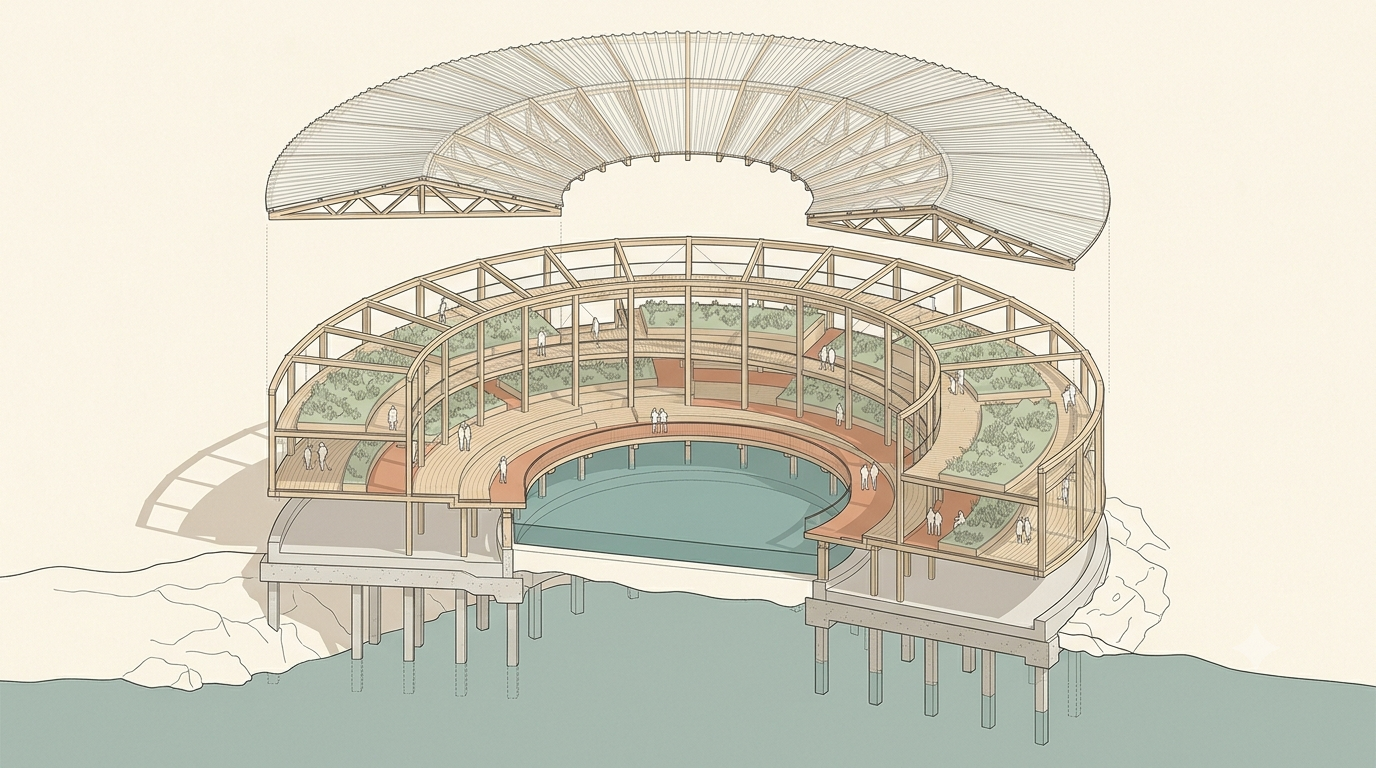
Exploded axonometric drawing of a crescent-shaped timber greenhouse with lifted roof, planted terraces and a tidal courtyard.

Coastal Greenhouse Exploded Axonometric

Nano Banana 2·Nano Banana 2

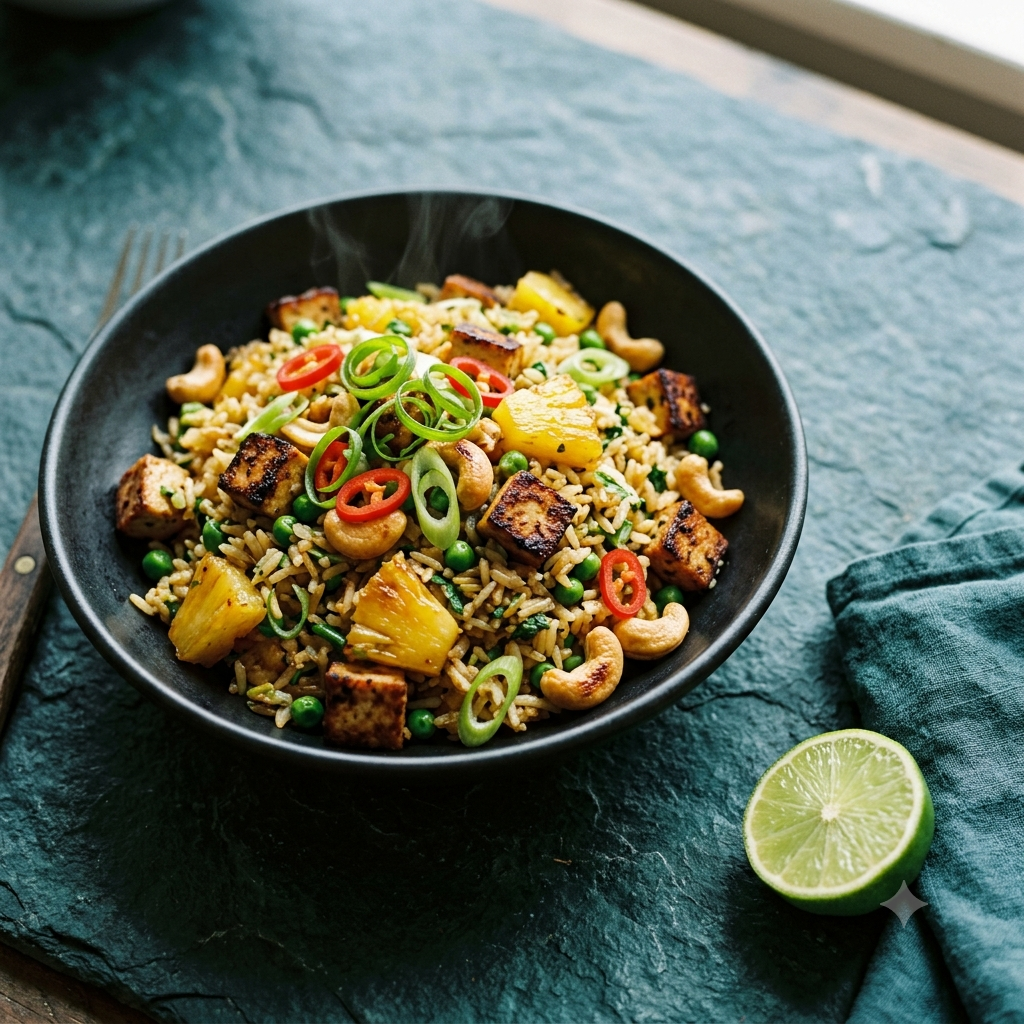
Black bowl of pineapple and tofu fried rice with cashews, peas, scallions and chili, beside a cut lime and teal napkin.

Pineapple and Tofu Fried Rice

Nano Banana 2·Nano Banana 2

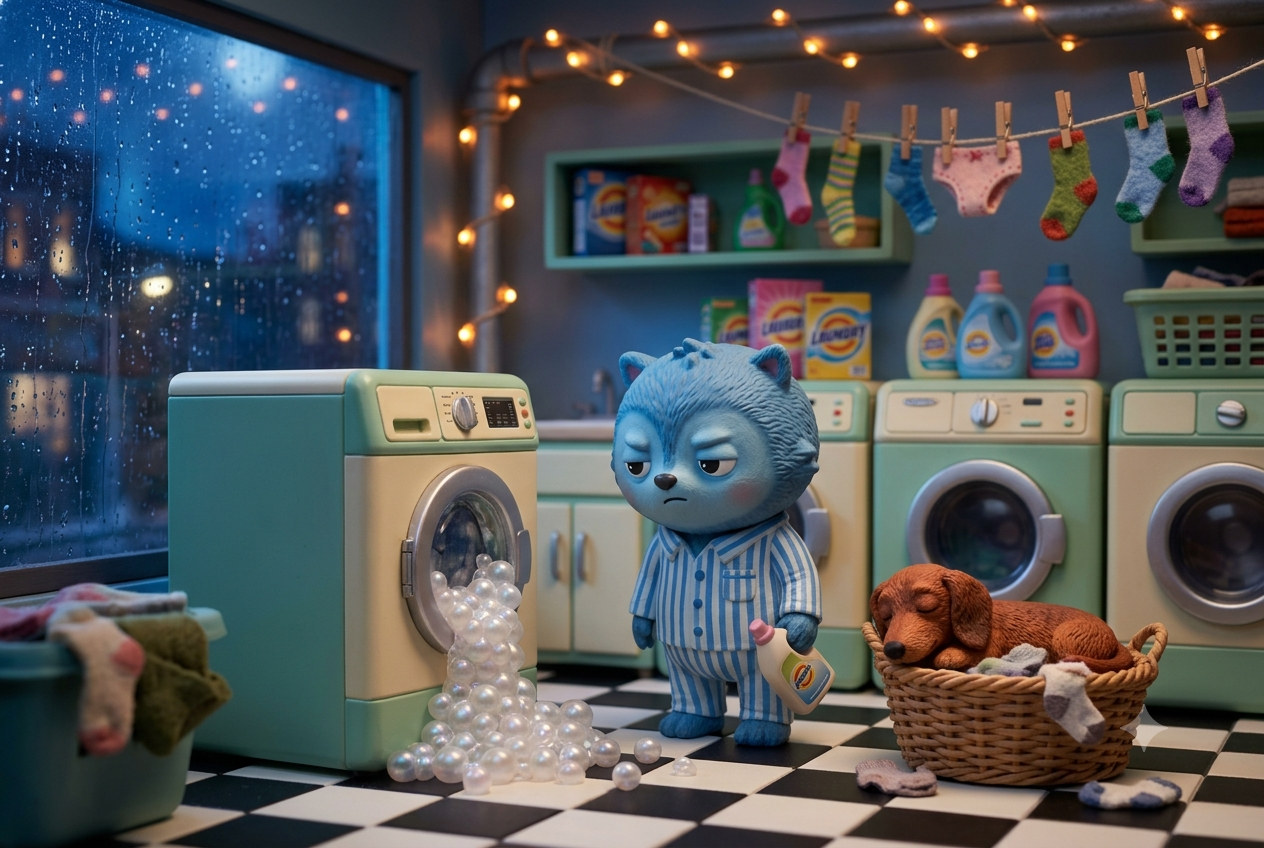
Blue pajama-clad creature beside a washer spilling pearly bubbles, with a sleeping dachshund in a basket and rain outside a miniature laundromat.

Midnight Miniature Laundromat

Nano Banana 2·Nano Banana 2

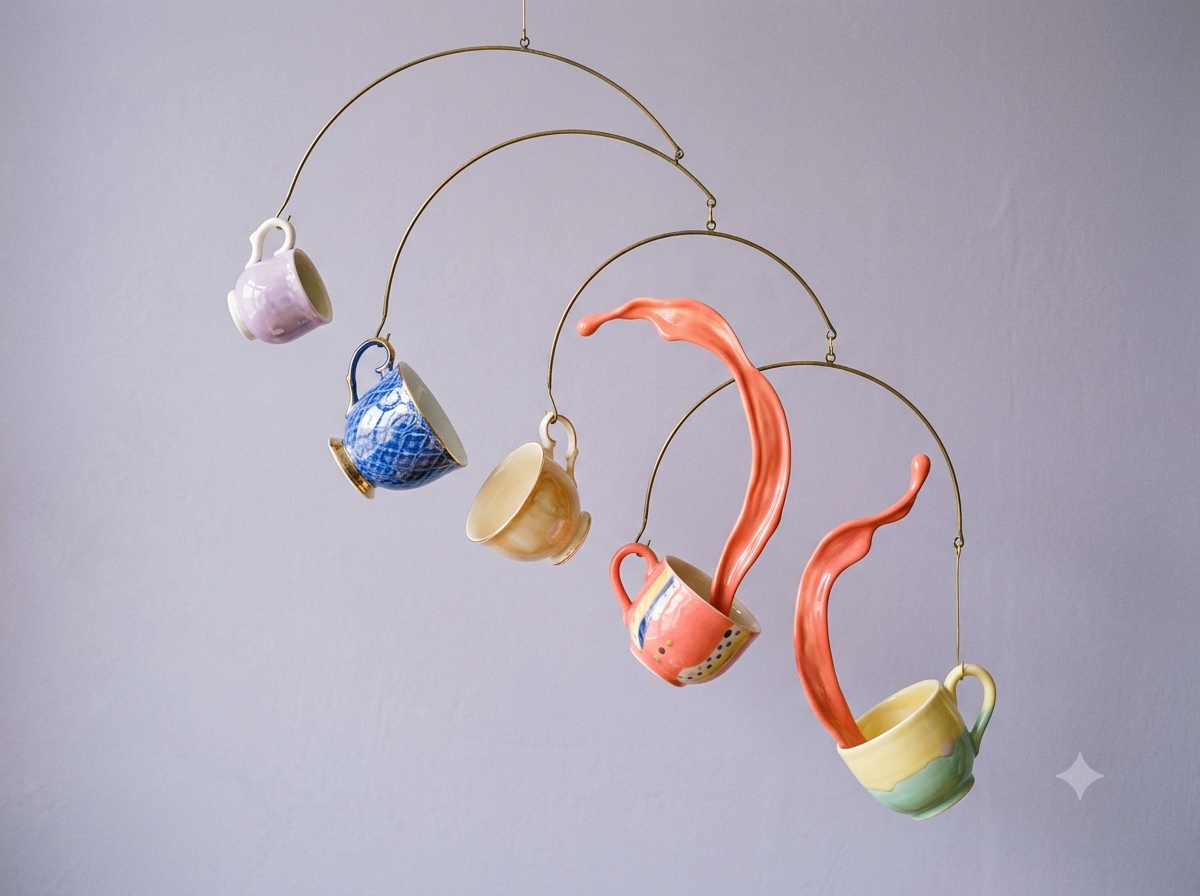
Five colorful porcelain teacups suspended from brass arcs, with coral glaze rising from two cups against a lavender-gray background.

Suspended Teacup Mobile

Nano Banana 2·Nano Banana 2

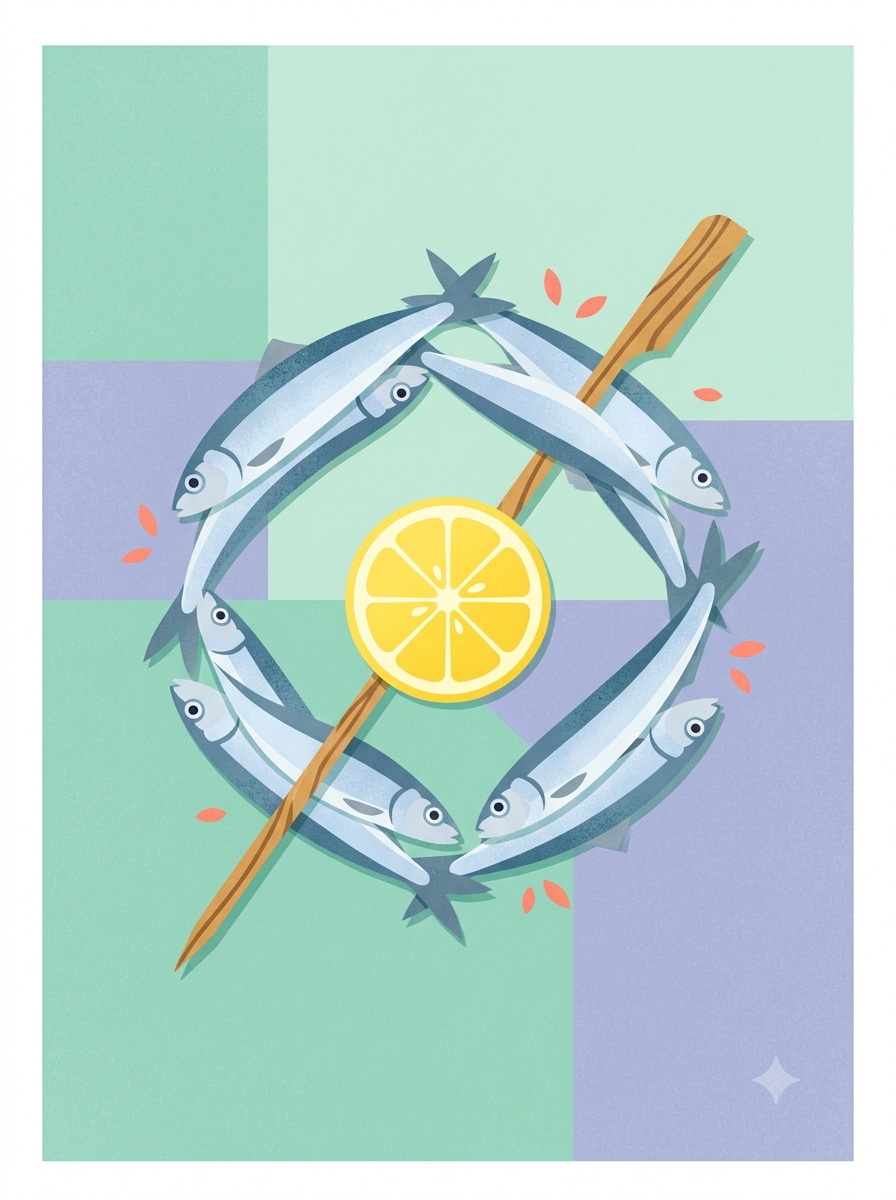
Silver-blue sardines forming a wreath around a lemon slice and diagonal wooden skewer on a pastel geometric background.

Sardine Wreath with Lemon

Nano Banana 2·Nano Banana 2