GPT Image 2
OpenAI's `gpt-image-2` model is designed for fast, high-quality image generation and editing with text and image inputs.
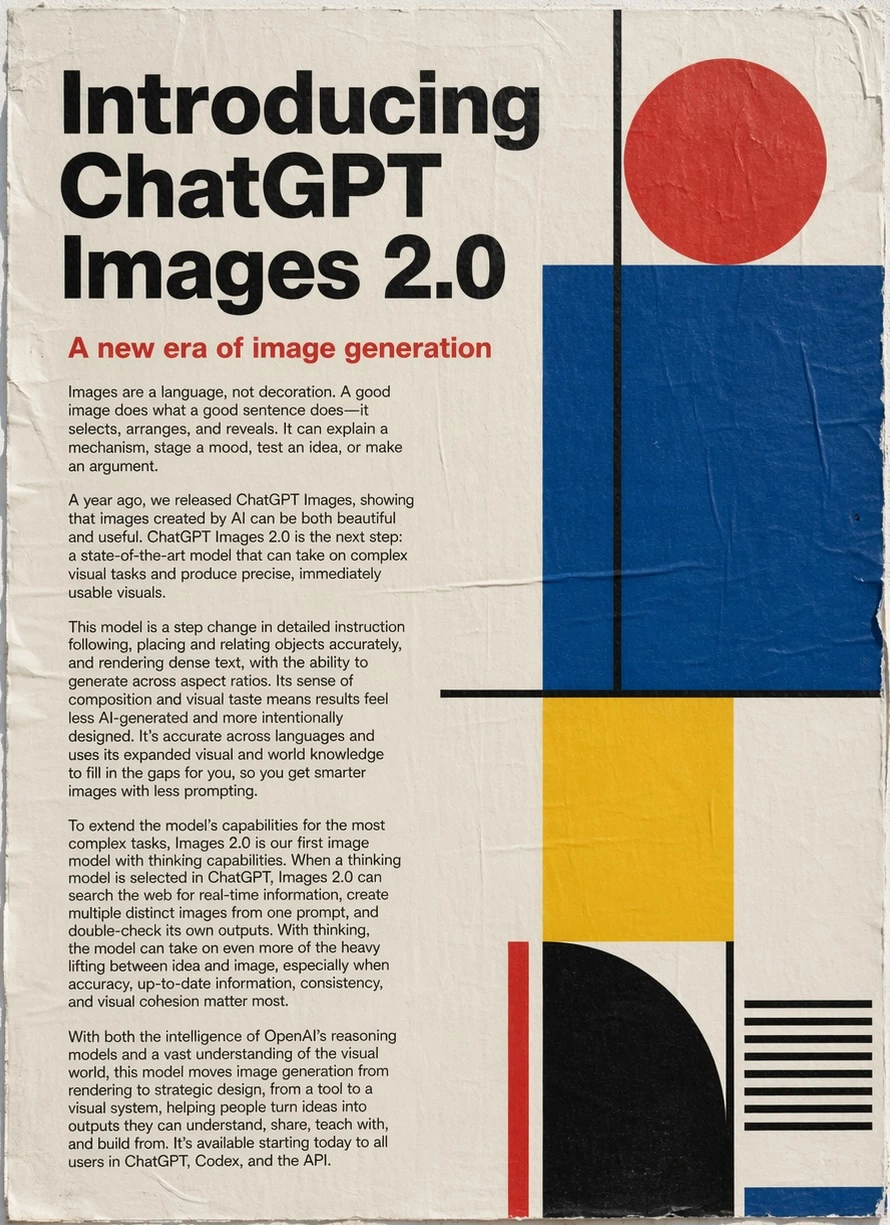
Official image shown in OpenAI's ChatGPT Images 2.0 announcement for the GPT Image 2 experience.
Released April 21, 2026
Text and image input
Image generation and edits
Studio configured; production verification pending
Capability check
Official GPT Image 2 facts and Panify status
OpenAI API properties remain separate from Panify production support.
| Capability | Official information | Panify status |
|---|---|---|
| Model ID | `gpt-image-2`, with a dated 2026-04-21 snapshot listed | Studio maps gpt-image-2 to provider alias image2; identity not production-verified |
| Modalities | Text input; image input and output | Not verified |
| Tasks | Image generation and image editing | Not verified |
| Output controls | Official docs describe flexible image sizes and high-fidelity image inputs | Not verified |
Official showcase
GPT Image 2 launch visuals
The official announcement pairs creative breadth with examples focused on accurate, controllable production.
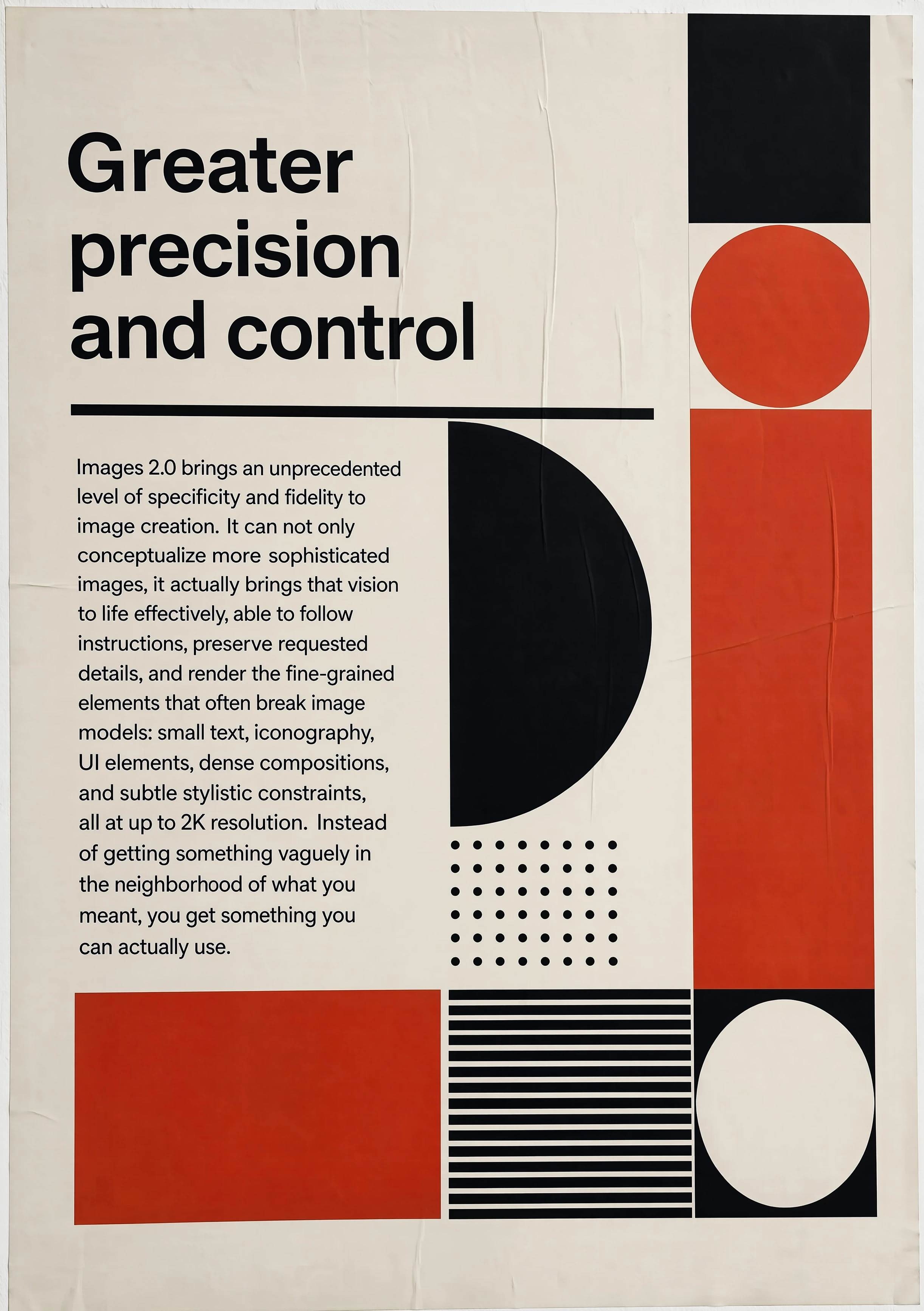
Precise creative control
Official OpenAI launch graphic accompanying its claims about more precise generation and edits.
Creative directions
What to evaluate with GPT Image 2
Use these directions to test instruction following and edit reliability.
Create a poster with exact headline text, a defined hierarchy, and a constrained brand palette.
Edit a reference image while explicitly listing elements that must not change.
Build a multi-panel visual story with stable characters, props, and readable captions.
Translate or localize a layout, then verify every rendered word and cultural detail.
Prompt patterns
Prompts for controlled output
Describe the purpose, composition, must-keep elements, exact text, style, and exclusions.
Production workflow
How to evaluate the API model
- 1
Choose the fixed `gpt-image-2` model or an official dated snapshot; do not rely on an ambiguous provider alias.
- 2
Prepare prompts and reference images with explicit must-keep and must-change constraints.
- 3
Review text accuracy, identity preservation, composition, safety behavior, latency, and output consistency.
- 4
Confirm usage policy, cost, storage, moderation, and retry behavior before exposing a production workflow.
Limits and status
What Panify has not verified
- Provider tiers and rate limits vary and are not a Panify promise.
- Rendered text, reference fidelity, and complex edits still require human review.
- Panify has not tested model ID, image sizes, latency, cost, safety handling, or endpoint reliability.
- This version page remains noindex until a fixed GPT Image 2 production workflow is available.
GPT Image 2 FAQ
API and availability questions
Discuss GPT Image 2 integration
Contact Panify for production verification and rollout planning.