ChatGPT Images 2.5
Build a visual direction, refine one detail, and carry it through the next edit. Discover the 2.5 release and its two API models: faster everyday creation with Flare, or detailed creative work with Sunburst.
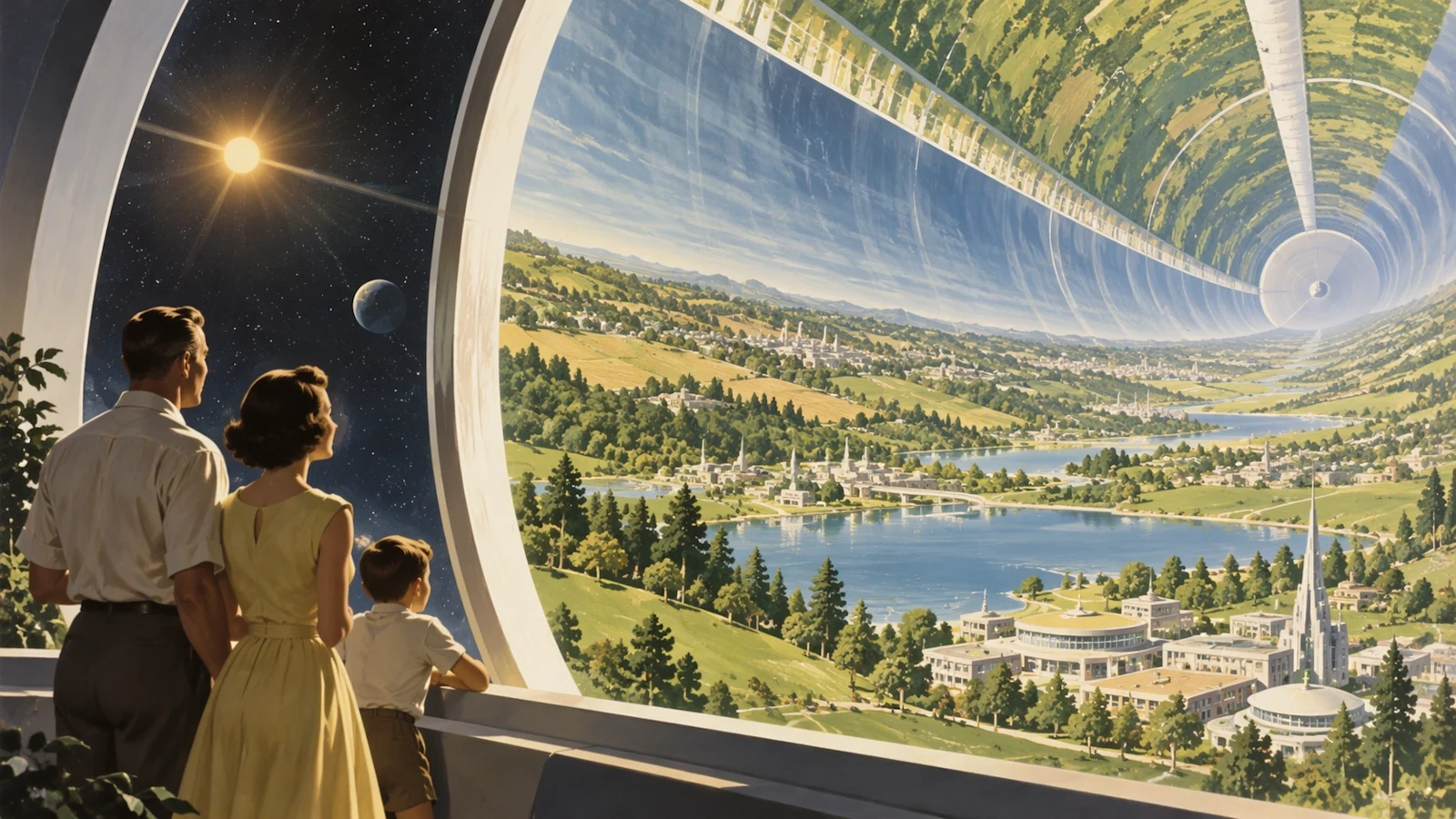
Images 2.5 official style example: retrofuturism. Source and copyright: OpenAI.
Released September 8, 2026
Flare + Sunburst
Generate and edit images
Not integrated in Panify
Choose your workflow
Flare or Sunburst? Start with the task
Official API controls, reviewed September 19, 2026. These settings are not available in Panify for 2.5 yet.
| Model or control | Official API information | Panify status |
|---|---|---|
| Flare | gpt-image-2.5-flare · fast everyday generation and edits | Not integrated |
| Sunburst | gpt-image-2.5-sunburst · fine detail and precision, with longer generation times | Not integrated |
| Inputs and tasks | Text and image input; image generation and editing | Not integrated |
| Quality | low, medium, high, xhigh, max, or auto | Not integrated |
| Output | PNG, JPEG, or WebP. Transparent backgrounds require PNG or WebP. | Not integrated |
| Size | Custom sizes subject to API constraints; resolutions above 2560×1440 are experimental. | Not integrated |
Official Images 2.5 examples
Style, layout, and visual explanation
Selected images from OpenAI’s September 2026 launch gallery. These are official examples, not Panify-generated results.
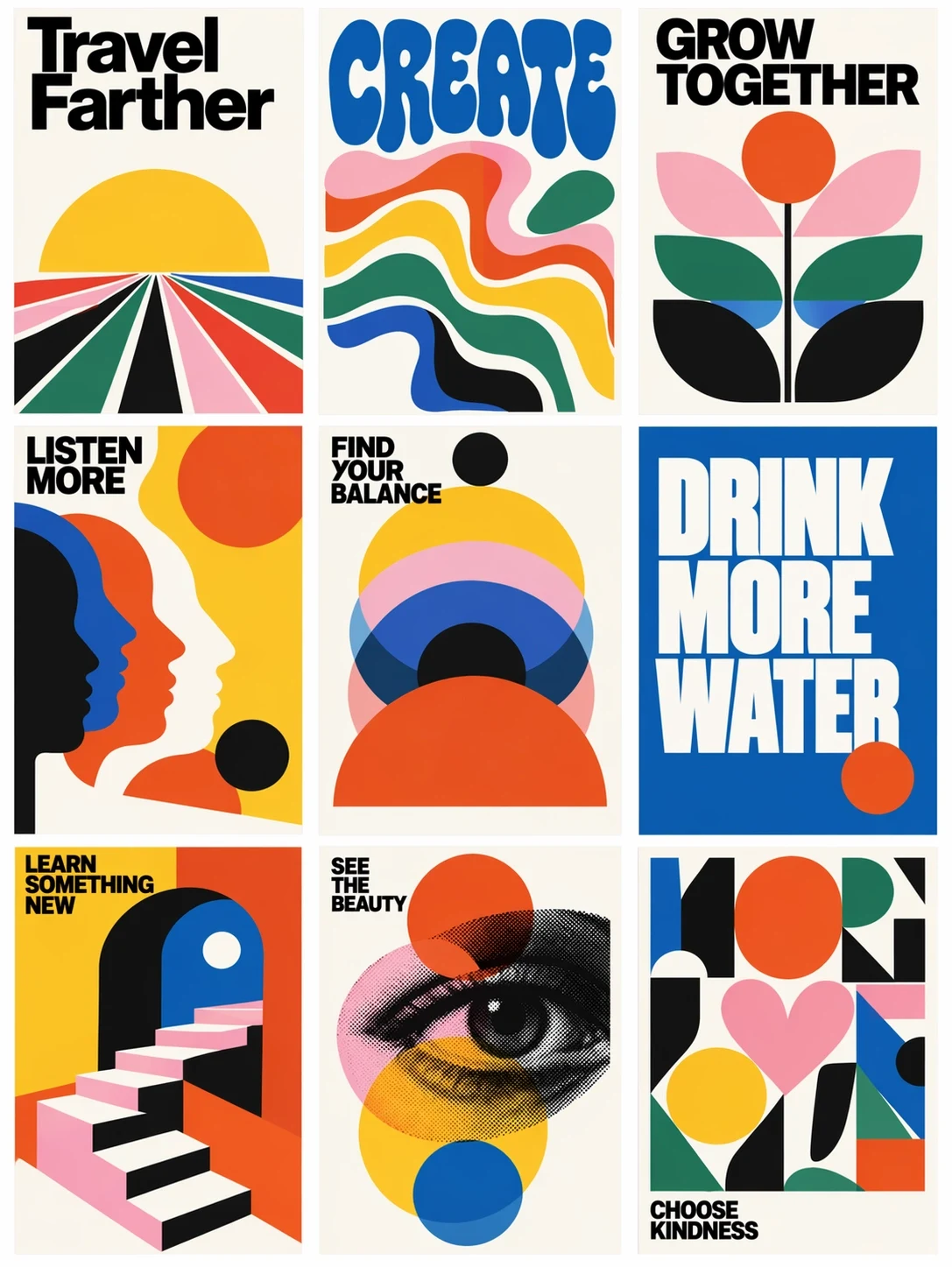
A coordinated poster series
OpenAI’s Images 2.5 gallery explores typography and a shared visual language across nine posters. Source and copyright: OpenAI.
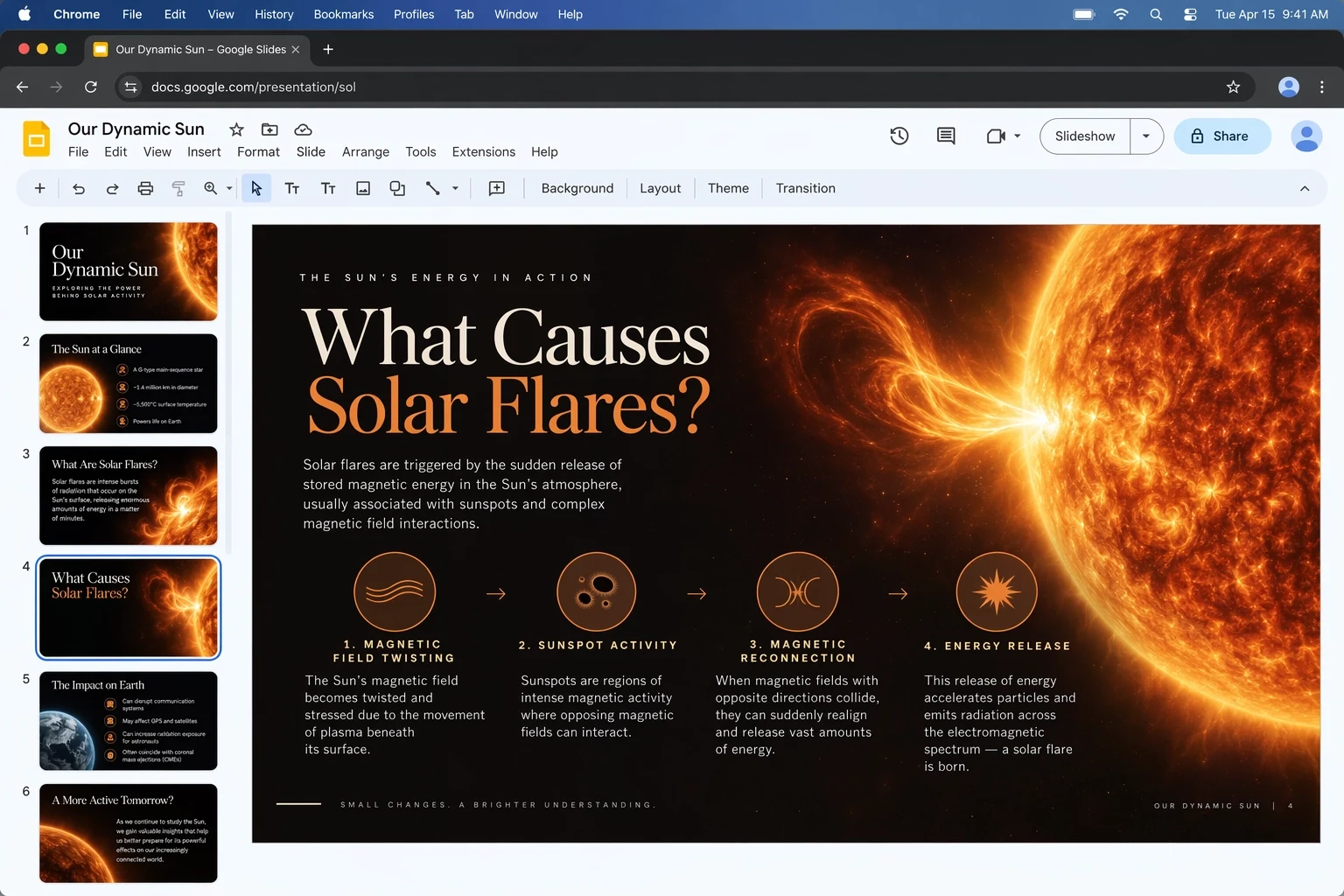
Explain an idea visually
Official Images 2.5 presentation example. Treat generated educational text as a draft to fact-check. Source and copyright: OpenAI.
Creative workflows
Move from broad direction to precise edits
Use a consistent brief when comparing models, and judge both the requested change and the details that should stay fixed.
Product variants: keep the packaging shape, camera angle, and label fixed while changing only the backdrop. Compare the label against the original at full size.
Campaign exploration: use Flare to evaluate several composition directions, then compare Sunburst on the selected brief when fine detail matters more than turnaround.
Sequential edits: request one change at a time, restate what must remain fixed, and compare each output against the original reference to catch drift.
Presentation assets: define the reading order and reserve space for final copy. Verify facts, spelling, and diagram relationships before using the result.
Original prompt examples
Give the model a clear change boundary
Specify the purpose, framing, exact text, reference details to preserve, and the single change to make. These examples are starting points, not verified outputs.
Try and evaluate
A practical evaluation sequence
- 1
In ChatGPT, use the Images experience. For API evaluation, explicitly choose gpt-image-2.5-flare or gpt-image-2.5-sunburst rather than assuming the product name is a model ID.
- 2
Prepare one brief and authorized reference images. Record the requested size and quality so comparisons use the same settings.
- 3
Compare the first output and a follow-up edit. Inspect identity, product geometry, lettering, and background changes instead of judging only the overall style.
- 4
Measure turnaround and actual usage for your task before choosing a model. Panify’s existing GPT Image 2 workflow is a separate version and does not invoke 2.5.
Limits and availability
Review the output before relying on it
- Text placement, exact lettering, recurring subjects, and complex compositions can still contain errors. Keep source files and review changes side by side.
- OpenAI reports lower latency for Flare compared with GPT Image 2. Sunburst prioritizes precision and can take longer; do not assume every request is faster.
- Sketch, templates, image comments, and prompt sharing are ChatGPT product features, not a promise of equivalent API or Panify controls.
- Panify has not integrated 2.5 or set its credit price. Official API billing and account limits are separate from Panify pricing.
Images 2.5 FAQ
Before you choose a model
Official references
Sources and review date
Reviewed September 19, 2026. Consult current official documentation for specifications and availability.
Interested in Images 2.5 on Panify?
Contact us about availability. This guide does not enable generation or change your current workspace model.