Qwen-Image 3.0 Pro
A professional Qwen image model built for information-rich layouts, small readable text, realistic detail, multilingual visual content, and precise image editing.
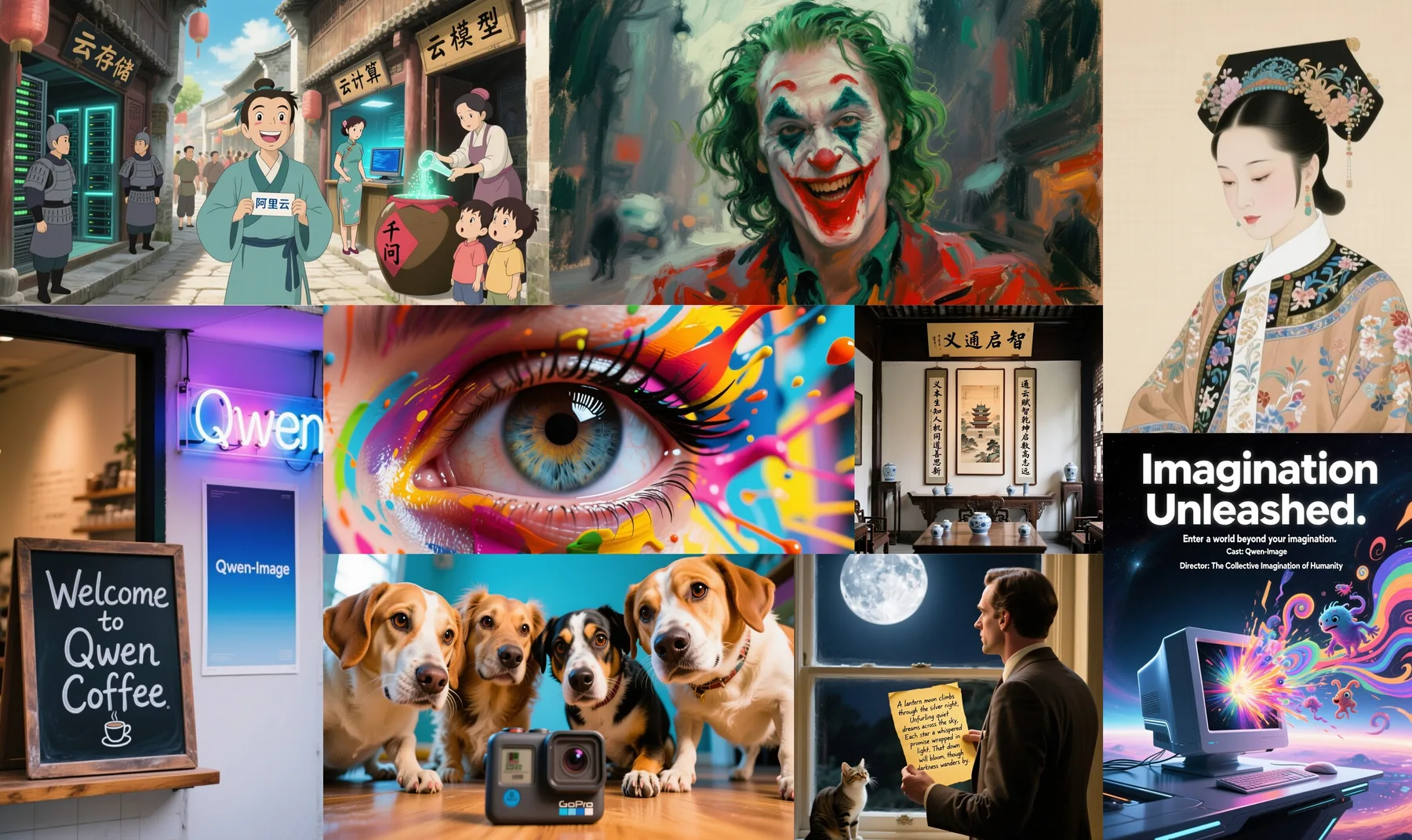
A visual overview of Qwen-Image's range across typography, illustration, and structured composition.
Information-rich layouts
Text-to-image and editing
Small-text rendering
Multilingual visual design
Core capabilities
Qwen-Image 3.0 Pro capabilities
The model focuses on practical visual production where text, information density, realism, and controllable edits matter together.
| Capability | Product strength | Creative fit |
|---|---|---|
| Rich layouts | Handles long, information-heavy instructions for newspapers, storyboards, menus, worksheets, and interfaces | Complex design |
| Small text | Targets readable text down to small display sizes for dense visual compositions | Posters and UI |
| Multilingual rendering | Supports native visual text across multiple languages and font styles | Localization |
| Generation and editing | Creates images from descriptions and refines existing visuals with reference-guided instructions | Creative iteration |
Visual examples
From text-rich posters to structured visual design
Selected Qwen-Image visuals illustrate the family's strengths in typography, composition, and information-dense creative work.

Poster design example
A poster example showing how typography, hierarchy, and imagery can work together in one composition.
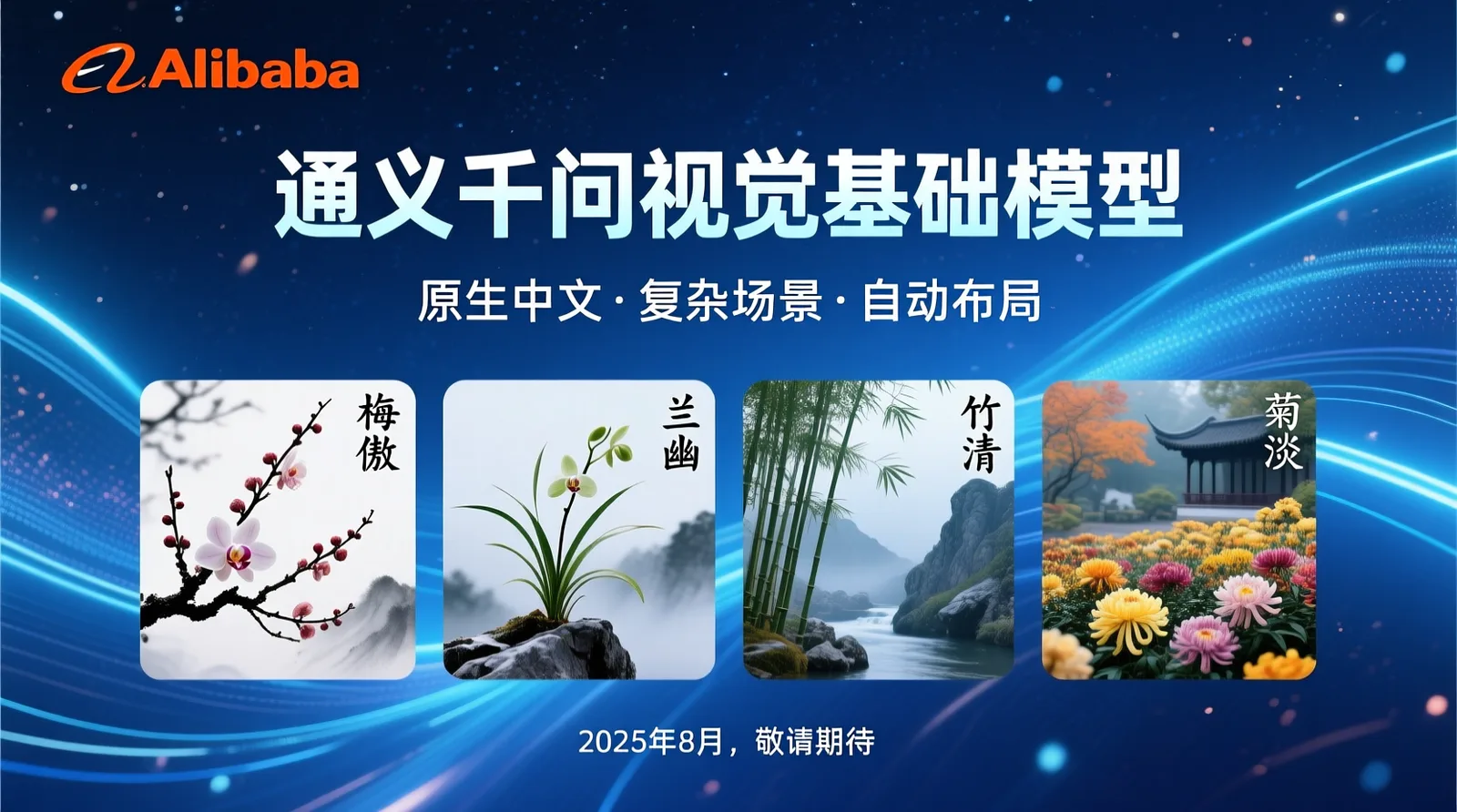
Case study
A structured visual case showing information layout, readable text, and presentation-style composition.
Creative directions
Where 3.0 Pro is positioned
Treat every result as a draft until text, facts, and visual details are reviewed.
Create a dense newspaper, menu, storyboard, worksheet, or interface-style composition.
Render Chinese, English, and localized text while checking every glyph, number, and line break.
Edit reference visuals while preserving requested identity, structure, and material details.
Develop realistic portraits or product scenes and inspect fine texture, lighting, and reflections.
Prompt patterns
Prompts for text-heavy and reference-led work
Specify exact copy, language, layout grid, hierarchy, references, immutable details, and output checks.
Creative workflow
Build a stronger Qwen-Image 3.0 Pro brief
- 1
Define the final format, audience, visual hierarchy, and exact text that must appear in the image.
- 2
Describe subjects, environment, lighting, materials, typography, and immutable details in a clear order.
- 3
Use reference images when identity, composition, products, or visual style need to remain recognizable.
- 4
Review typography, factual content, anatomy, reflections, brand details, and consistency before final delivery.
Quality guidance
What to review before using an image
- Verify every word, number, date, label, and line break in text-heavy designs.
- Check faces, hands, fine materials, reflections, perspective, and repeated objects at full size.
- Use explicit layout instructions when exact hierarchy or information grouping is important.
- Treat generated visuals as creative drafts until factual, legal, and brand reviews are complete.
Qwen-Image 3.0 Pro FAQ
Product capability questions
Create with richer layouts and more precise visual direction
Use Qwen-Image 3.0 Pro for text-rich design, multilingual graphics, realistic scenes, and reference-guided editing.