Panify logoPanify
  • Seedance
  • Wan
  • Features
  • Pricing
  • Blog
Panify logoPanify

Create video, images, and audio with AI models in one workspace.

X (Twitter)

Newsletter

Subscribe to our newsletter for the latest news and updates

Product
  • Seedance Models
  • Wan Models
  • MiniMax Models
  • HappyHorse Models
  • Kling Models
  • Features
  • Pricing
  • FAQ
Resources
  • Blog
  • Changelog
Company
  • About
  • Contact
Legal
  • Cookie Policy
  • Privacy Policy
  • Terms of Service
© 2026 Panify. All Rights Reserved.
  1. Home
  2. Models
  3. Gemini Image
Google Gemini image generation

Gemini Image and Nano Banana models

A guide to Google's native image generation and editing family, from efficient high-volume creation to professional, reasoning-led visual work.
Explore Nano Banana 2Compare versions
Read the official Gemini image-generation guide
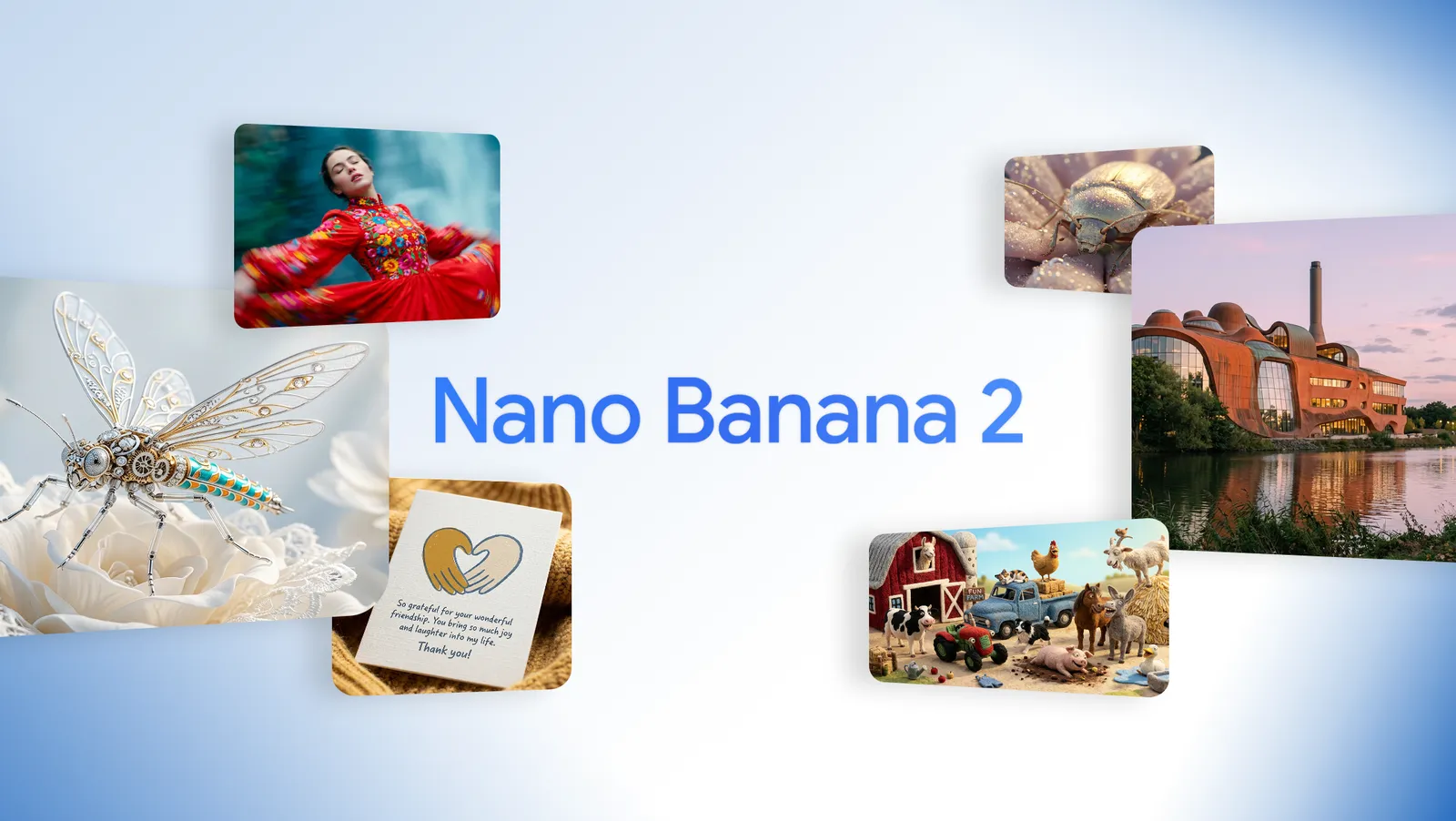
Official Google Nano Banana 2 hero artwork featuring a banana character and creative scenes

Official Nano Banana 2 launch artwork published by Google.

View the official Google source

Native image generation

Conversational editing

Flash and Pro options

Panify integration not verified

Series overview

A family for generating, editing, and iterating on images

Nano Banana is Google's name for Gemini's native image-generation capabilities.

The family accepts text and image context for conversational creation and editing. Current choices span a generalist Flash model, a professional Pro model, and a Lite option for high-volume efficiency.

The requested phrase “Nano 2 Pro” does not identify an official model. Google names the two relevant products Nano Banana 2 (Gemini 3.1 Flash Image) and Nano Banana Pro (Gemini 3 Pro Image).

Official examples

How Google's image models differ

Google's launch materials show the current family and how its speed, reasoning, and production roles are positioned.
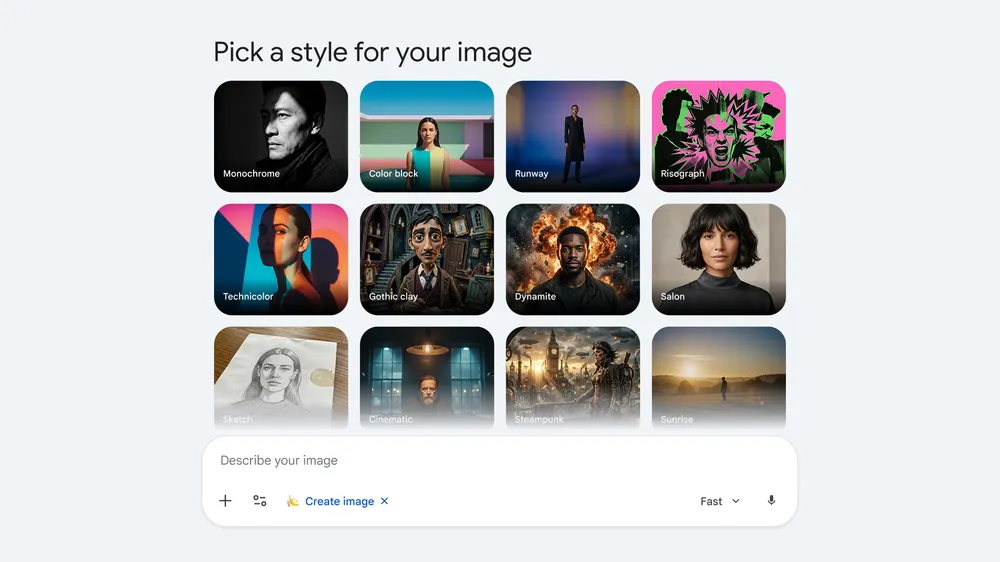
Google comparison graphic for Nano Banana, Nano Banana Pro, and Nano Banana 2

Official model comparison

Google's official comparison of the Gemini image lineup and each model's intended role.

View the official Google source

Family strengths

How Gemini image models differ

Choose the official model identity that fits the workflow rather than treating every Nano Banana label as interchangeable.

Conversational generation
Generate, inspect, and revise visuals with text and image context across multiple turns.
Reference consistency
Current models emphasize subject, style, and composition consistency across supplied references.
Knowledge-led visuals
Google positions current models for diagrams, infographics, localization, and grounded creative tasks.
Performance tiers
Flash balances intelligence and latency; Pro prioritizes control and accuracy; Lite targets speed and scale.

Version map

Current Nano Banana choices

Official names and IDs prevent accidental routing to the wrong model.

VersionOfficial identityPosition
Nano Banana 2 LiteGemini 3.1 Flash Lite ImageFastest, scale-oriented
Nano Banana ProGemini 3 Pro ImageProfessional control
Nano Banana 2Gemini 3.1 Flash ImageGeneralist workhorse

Workflow fit

Choose by production need

Rapid iteration
Use the Flash-oriented option when speed, repeated edits, and balanced quality matter.
Professional assets
Evaluate Pro for complex layouts, localization, brand consistency, and precision control.
High-volume pipelines
Consider Lite when ultra-low latency and cost efficiency outweigh richer reference workflows.
Knowledge-rich visuals
Test diagrams, explainers, and real-world subjects while verifying every factual detail.

Use cases

Gemini Image evaluation scenarios

Product visualization
Infographics
Localized campaign assets
Reference edits
Character consistency
Rapid creative variants

Gemini Image FAQ

Naming and selection questions

Start with Nano Banana 2

Review the official identity, prompt directions, production checks, and Panify status.

Open the Nano Banana 2 guideContact Panify