Seedance 2.5 AI Video Generator
Panify Studio currently configures Seedance 2.5 with mode-specific text, image, video and audio inputs, 480p/720p/1080p, and 4–30-second generation. Review the available controls and credit quote before submission; configured options do not guarantee every provider endpoint.
Panify shows and locks the exact credit quote before submission based on the selected resolution, duration and reference inputs. Reserved credits are fully refunded when the provider confirms that generation failed.

Official model facts, platform-specific limits
ByteDance's published capabilities are separated from reference counts, resolutions, prices and modes advertised by individual creator platforms.
Model overview
What is Seedance 2.5?
ByteDance's next-generation joint audio-video model, designed around longer storytelling and production control.
Seedance 2.5 treats a generated clip less like a single visual trick and more like a directed sequence. ByteDance positions it for up to 30 seconds of native storytelling, with smoother motion, stronger continuity and synchronized audio-video creation in the same model workflow.
The bigger change is how references and revisions are interpreted. The official release emphasizes reading a reference video's framing, intent and cinematic language—not merely copying movement—then supporting broader audiovisual edits, video extension and production-oriented controls such as white-model and green-screen guidance.
Official capability map
What changed in Seedance 2.5
Start with the model maker's published direction, then verify endpoint-specific settings before production.
Official showcase
Real examples from ByteDance Seed
These three videos are copied from ByteDance Seed's official Seedance 2.5 model page, so you can compare the model maker's own showcase with Panify's workflow illustrations below.
Official 10-second showcase clip
Play the original short example with controls. The clip is muted initially and loads only when needed.
Storytelling video
A 30-second official showcase video illustrating cinematic light, synchronized pacing and a complete story beat.
Reference-led video
A 26-second official showcase video using layered depth and restrained focus to establish a directed scene.
Workflow visualized
Think in beats, references and revisions
These original Panify illustrations explain the workflow without presenting synthetic concept art as a real Seedance output sample.
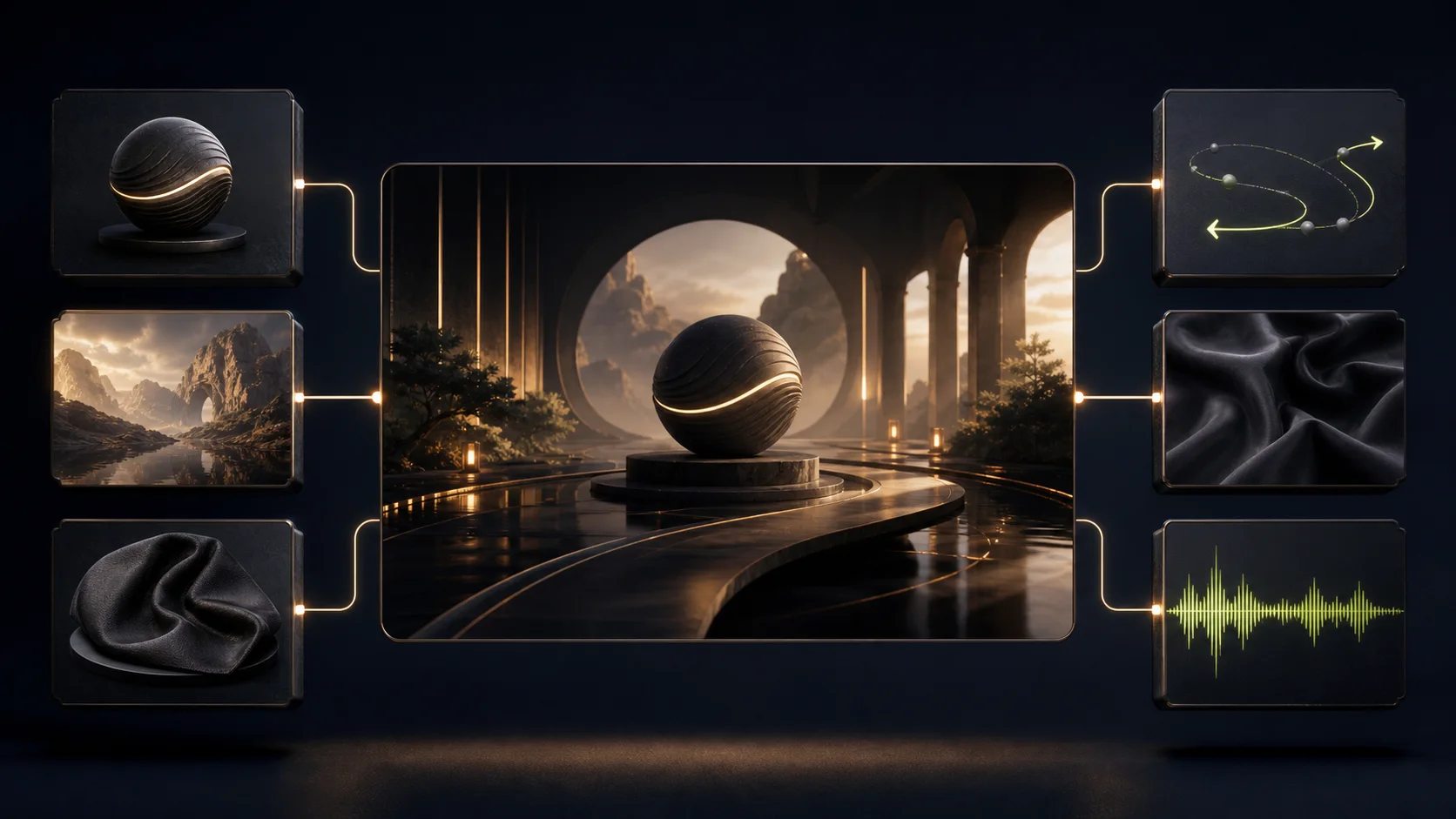
Give every reference a job
Assign references by purpose—subject identity, product form, location, material, camera path or sound—then name those roles in the prompt instead of uploading an unexplained pile of assets.
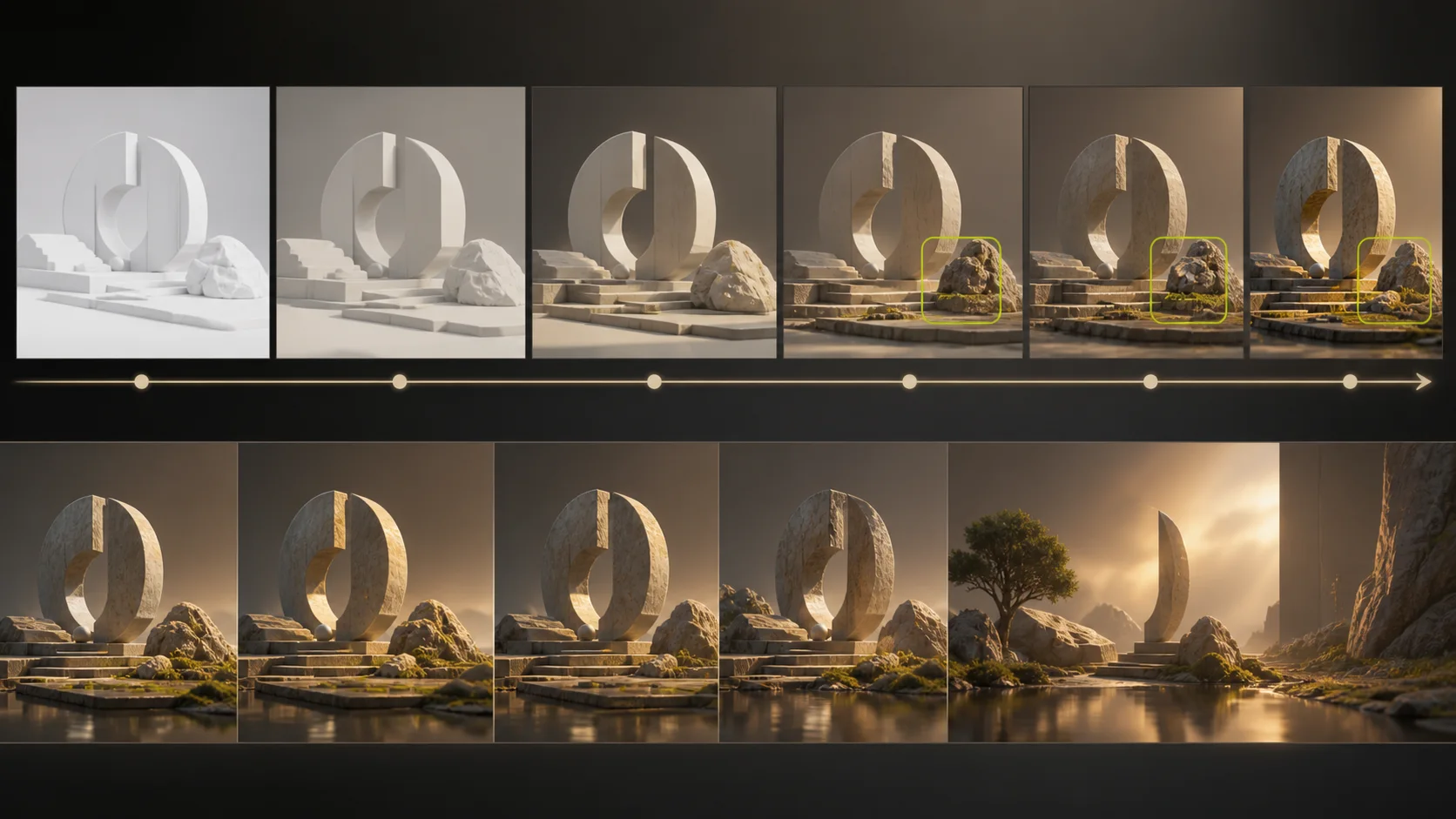
Separate generation from revision
First lock the story and spatial layout. Then use targeted edits for isolated problems and extension for additional time, preserving the parts of the sequence that already work.
Panify original concept illustration—not a Seedance 2.5 output or quality benchmark.
Current Panify workflow
Create Seedance 2.5 video from text
Studio exposes omni-reference, first/last-frame, smart-edit and long-video controls. Input requirements vary by mode; provider support must be verified for the selected workflow.
Creation process
How the Panify workflow works
A clear four-step path from a text prompt to a reviewed result.
- 01
Write a text prompt
Describe the subject, action, environment, camera, lighting and pacing in a clear sequence.
- 02
Direct the scene
Describe subject, action, environment, camera movement, pacing, visual treatment and sound in sequence.
- 03
Confirm output settings
Review the selected mode, available duration and resolution, then confirm the displayed credit total. Reference and editing modes can have different requirements.
- 04
Generate and review
Check motion, identity, product details, audio and rights-sensitive content before publishing.
Prompt guide
How to prompt Seedance 2.5
Write like a compact production brief: put non-negotiable details first and describe changes chronologically.
Creative applications
Built for complete creative beats
The reported direction of Seedance 2.5 is most useful where a scene needs time, continuity and specific visual control.
Advertising concepts
Plan a complete product or campaign beat with deliberate timing, camera direction and a clear final frame.
Cinematic sequences
Develop connected shots with controlled camera language, lighting and narrative pacing.
Product storytelling
Use authorized product references to preserve important visual details across a campaign concept.
Social-first video
Plan vertical hooks, clear action and caption-safe framing for short-form channels.
Version comparison
Seedance 2.5 vs Seedance 2.0
Separate Seedance 2.0's official baseline from the capabilities currently reported for 2.5.
| Capability | Seedance 2.0 | Seedance 2.5 |
|---|---|---|
| Inputs | Text, image, audio and video | Studio: text and mode-specific image, video or audio references |
| Maximum output | 15-second multi-shot audio-video | Up to 30 seconds, with up to two extensions described officially |
| Reference support | Official docs list up to 9 images, 3 videos and 3 audio clips | Official: up to 30 images, 10 video clips and 10 audio clips |
| Native audio | Yes | Yes—the official release describes joint audio-video generation |
| Editing | Editing and extension supported | Broader audiovisual editing plus white-model and green-screen production controls |
Panify Studio currently configures Seedance 2.5 with mode-specific text, image, video and audio inputs, 480p/720p/1080p, and 4–30-second generation. Review the available controls and credit quote before submission; configured options do not guarantee every provider endpoint.
Before publishing
Review quality and rights
Seedance 2.5 pricing on Panify
The generator calculates and locks the exact credit total before submission from the selected resolution, duration and reference inputs.
Credits are reserved when the task is submitted and fully refunded when the provider confirms that generation failed.
Seedance 2.5 FAQ
Frequently asked questions
Create a Seedance 2.5 video on Panify
Review the selected mode, references, output settings and exact credit quote in Studio. Reserved credits are returned when the provider confirms a failed generation.