Seedream AI image models
A practical guide to ByteDance Seed's image-creation series, from fast multimodal exploration to professional design-oriented generation and editing.

Official Seedream 5.0 Pro infographic example published by ByteDance Seed.
Multimodal image creation
Generation and editing
Design and text workflows
1K/2K and reference-image controls in Studio
Series overview
From visual generation to structured design work
Seedream is ByteDance Seed's family for generating and transforming images.
The series has evolved from general image synthesis toward multimodal creation systems that reason about layout, text, references, and localized edits. That makes the family relevant to posters, product visuals, infographics, portraits, and iterative design.
Vendor capabilities vary by release and product surface. Panify Studio configures Seedream 5.0 Pro for text-to-image and reference-image generation, 1K or 2K PNG/JPEG output, and up to 10 reference images. These configured controls do not establish that every option has been verified through the production gateway.
Official examples
Seedream's design range in pictures
ByteDance Seed's visuals show how the latest Pro release approaches information design, product interfaces, and realism.

Product interface composition
Official ByteDance Seed example of structured product UI and dense visual information.
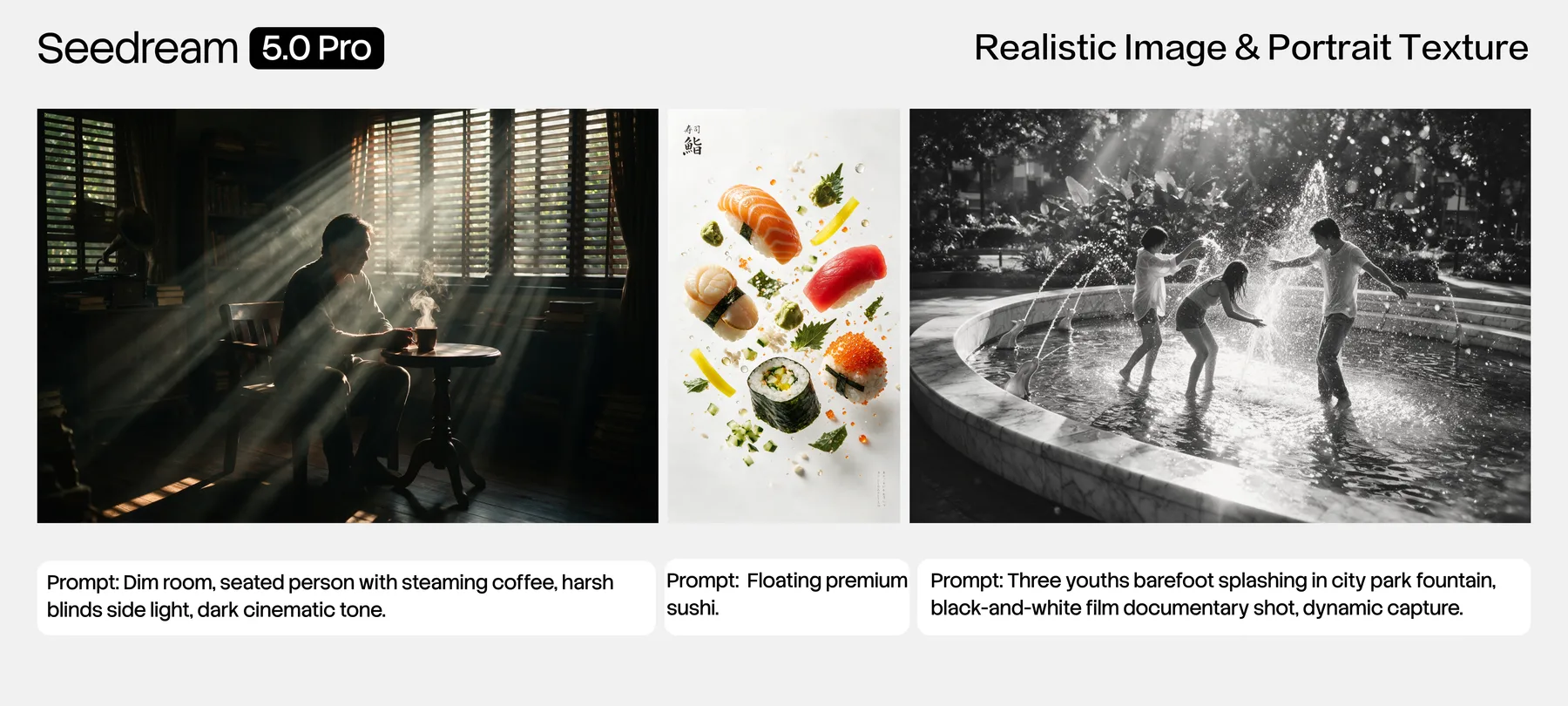
Photographic realism
Official ByteDance Seed examples illustrating lighting, texture, skin, and environmental realism.
Family strengths
Capabilities emphasized across the series
These themes come from ByteDance Seed materials and should still be checked against the exact endpoint used.
Version map
Seedream versions at a glance
Use the official product name when comparing provider listings.
| Version | Focus | Status |
|---|---|---|
| Seedream 4.5 | Professional image generation with consistency and fidelity | Earlier official release |
| Seedream 5.0 Lite | Unified multimodal image creation with reasoning and online search | Official model |
| Seedream 5.0 Pro | Design-oriented generation, dense information, and precision editing | Latest Pro guide |
Workflow fit
Where creators evaluate Seedream
Use cases
Common Seedream evaluation scenarios
Seedream FAQ
Questions before choosing a version
Review Seedream 5.0 Pro in detail
See the official capability summary, prompt directions, limitations, and Panify verification status.