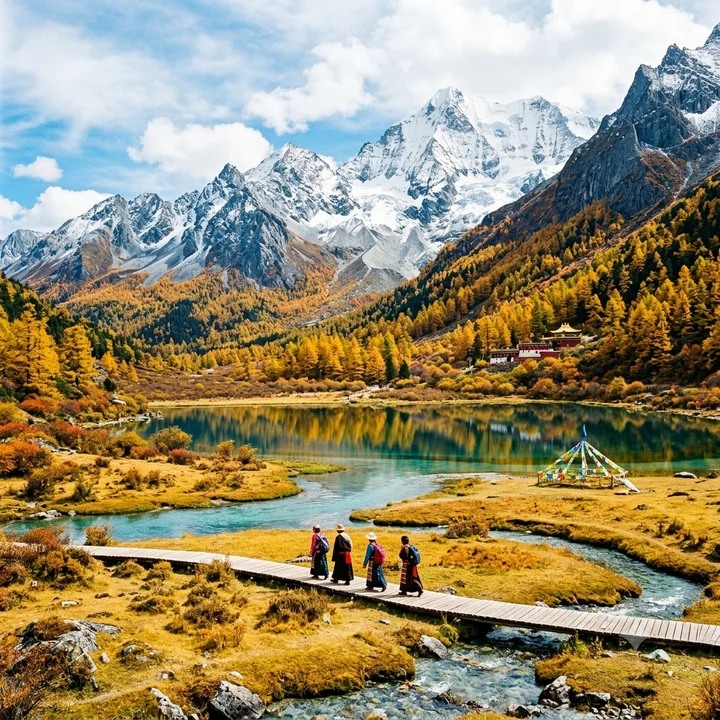
Mountain landscape
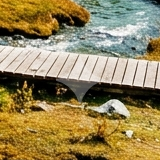
Bottom-right detail

Free · Local processing · No sign-in
Remove the visible Gemini mark from your images, right in your browser. Preview the result before saving.
PNG, JPEG or WebP · Up to 10 MB and 16 megapixels. Use the original Gemini download for best results.
Compare the same bottom-right region before and after processing. The outlined area on each original shows exactly where to look.
Bottom-right detail

Bottom-right detail


Actual results from this tool’s engine on open-source sample images. Both detail views use the same crop; results can vary with your image. Sample source
Use an image downloaded directly from Gemini. Screenshots, crops and recompressed files may not match the watermark template.
The tool checks for a supported visible mark and reverses its transparent overlay. Processing runs locally on your device.
Compare both images, especially fine details near the bottom-right corner. Save the result as a PNG at the original dimensions.
No. This tool only targets supported visible Gemini image marks. It does not remove invisible SynthID watermarks.
This version processes still images only. It does not remove Veo video marks, arbitrary logos or text watermarks.
No. Watermark changes, JPEG compression, resizing and cropping can leave residual marks or affect nearby detail. Always inspect the preview; keep your original.
The editor reads and processes your image in your browser. It does not upload the image to Panify or a third-party image service. Clearing the image or leaving the page releases the editor’s temporary previews.
The engine could not confidently identify a supported watermark. Try the original download. An image without a supported mark should not be forcibly edited.
Powered by the MIT-licensed Gemini Watermark Remover, based on work by Jad and AllenK (Kwyshell). GitHub · Open-source license