
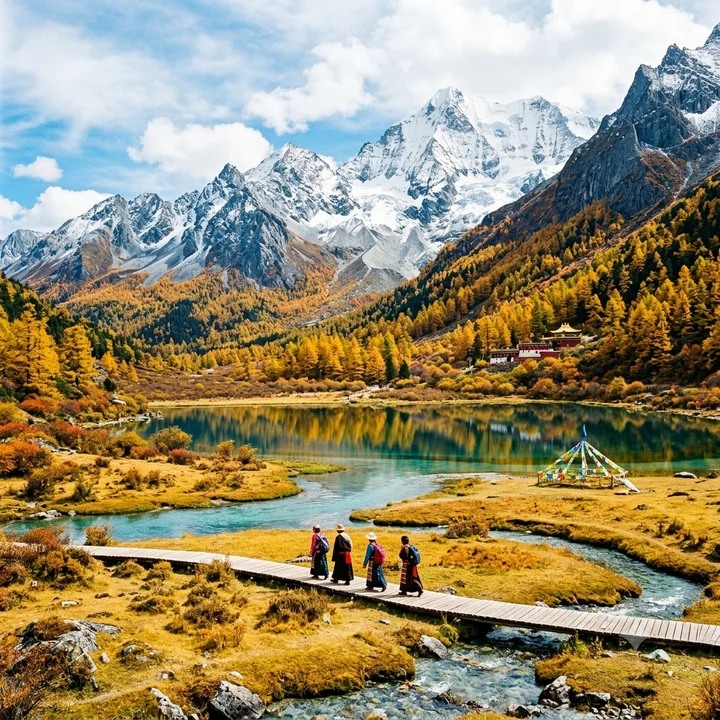
Mountain landscape
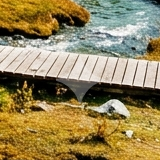
Bottom-right detail

Remove the visible Gemini mark from your images, right in your browser. Preview the result before saving.
Free · Local processing · No sign-in
PNG, JPEG or WebP · Up to 10 MB and 16 megapixels. Use the original Gemini download for best results.
Compare the same bottom-right region before and after processing. The outlined area on each original shows exactly where to look.
Bottom-right detail

Bottom-right detail


Actual results from this tool’s engine on open-source sample images. Both detail views use the same crop; results can vary with your image. Sample source
Use an image downloaded directly from Gemini. Screenshots, crops and recompressed files may not match the watermark template.
The tool checks for a supported visible mark and reverses its transparent overlay. Processing runs locally on your device.
Compare both images, especially fine details near the bottom-right corner. Save the result as a PNG at the original dimensions.
Powered by the MIT-licensed Gemini Watermark Remover, based on work by Jad and AllenK (Kwyshell). Open-source license