
Product graphics
Translate selling points while retaining the brand name and 250 g specification.
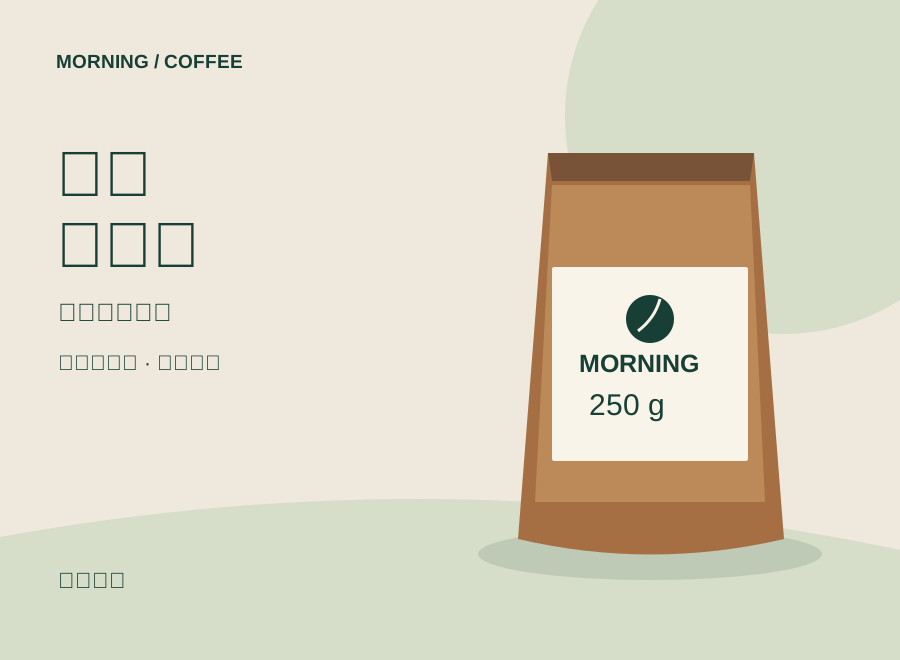
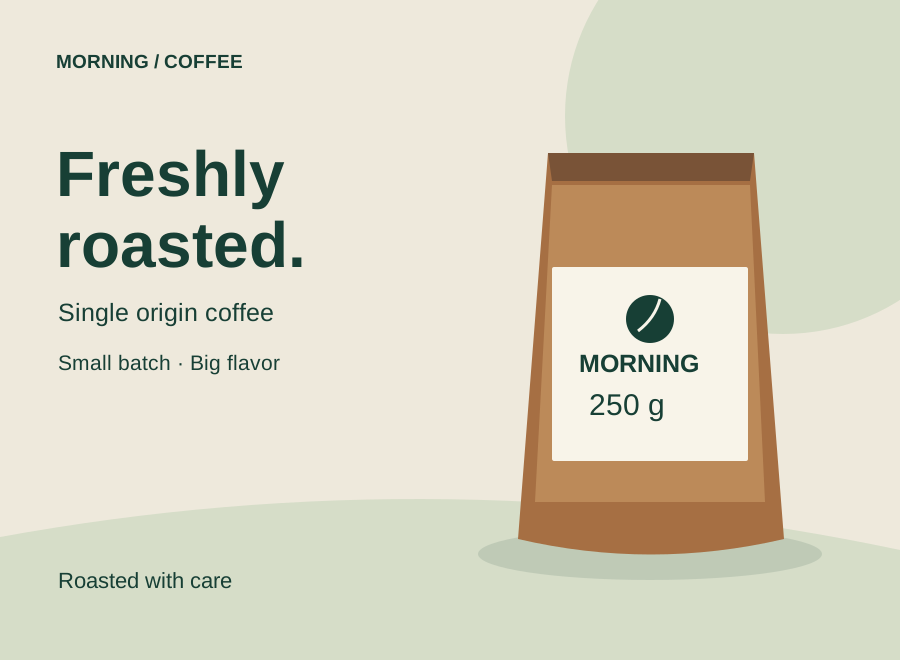
Upload a product graphic, poster, or screenshot, choose a target language, and generate a translated image. AI will try to retain the composition, background, and text styling.
Select one of the studio launchers above to create your first AI image, cinematic video, or audio track.
Sign-in required · Model-based credits shown before generation · Upload one original image and choose a similar output ratio. Review the translated text, numbers, and layout before using the result.
Original illustrative designs, not actual model outputs. Translation results vary by image and model.
Translate selling points while retaining the brand name and 250 g specification.
Adapt the headline and event details, then check dates, times, and line breaks.
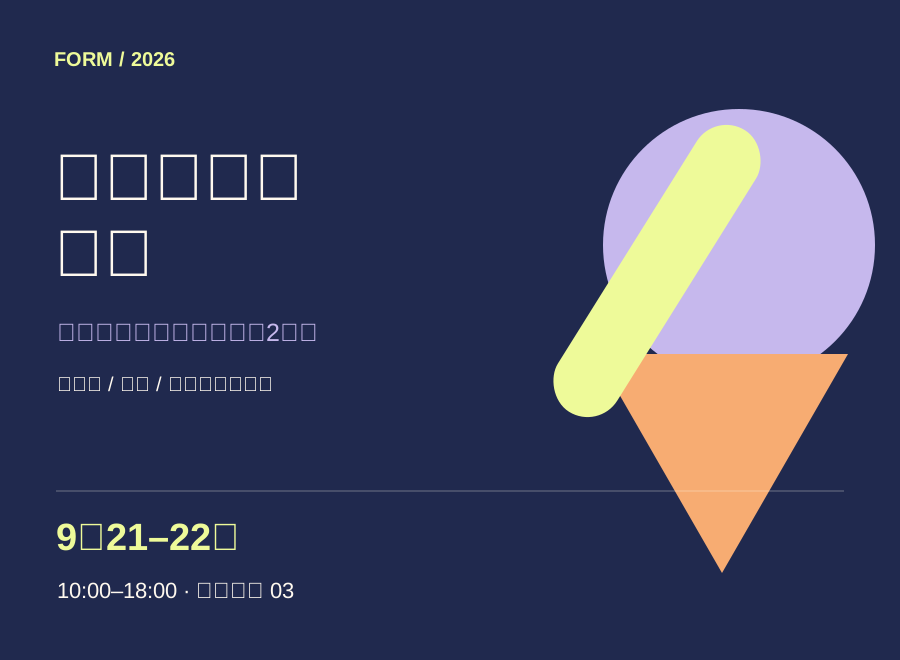
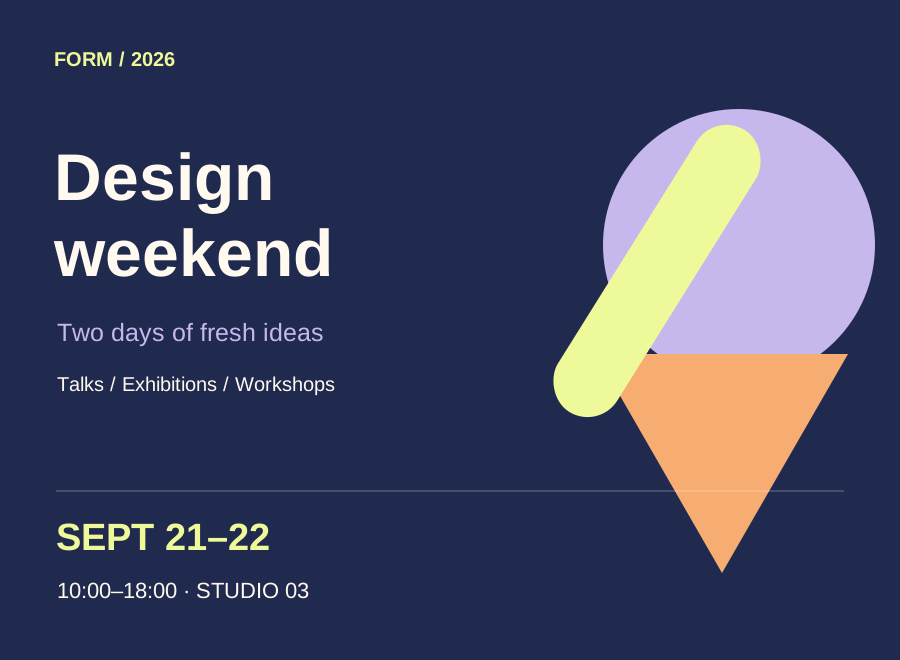
Localize promotional copy while retaining opening hours and the visual style.
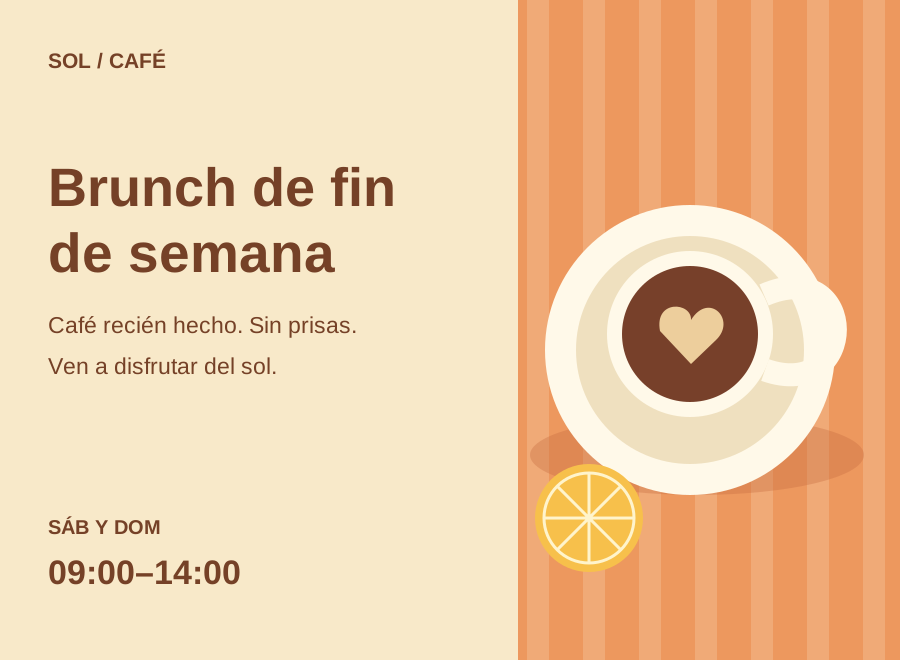
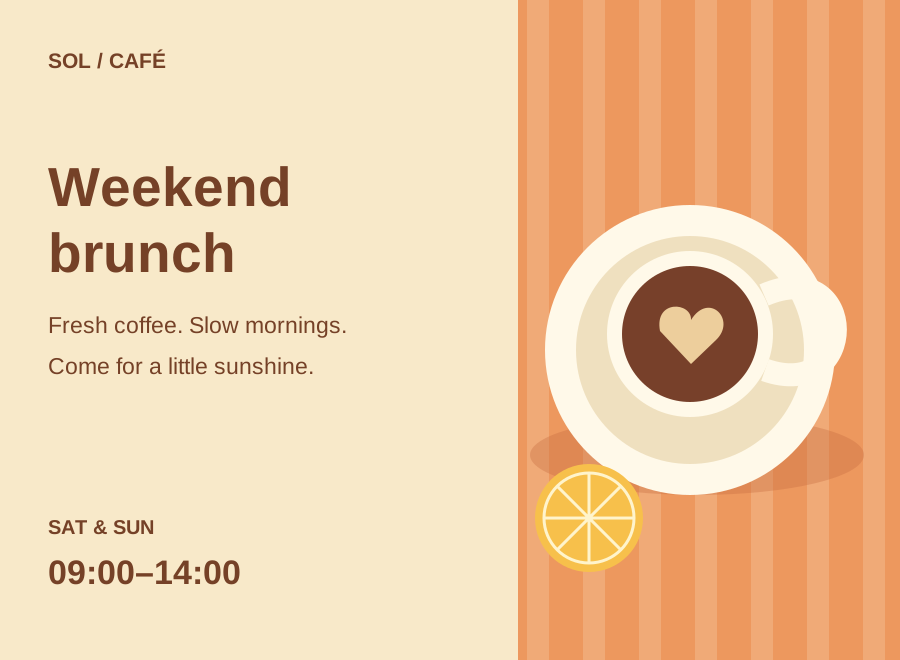
This is generative image editing: fonts, details, and text can change. Pixel-perfect preservation is not guaranteed. Small text, handwriting, vertical text, and dense paragraphs are more prone to errors. Output dimensions depend on the selected model and settings. This version handles one image at a time, without batch translation or editable text layers.
Add one PNG, JPEG, or WebP image up to 5 MB in the studio. Clear, horizontal text works best for this first version.
Detect the source language automatically or select it. Choose a target language and an output ratio close to your original. Add preferences such as brand names to retain.
Inspect the generated image, check every translation, number, and line break, then download it or find it in your assets.