
Drop in your image
Choose a photo with a clear subject. Portraits, products and everyday objects are a good place to start.
Give your product, portrait or next idea a clean start. Choose a photo and remove its background right on your device.
or drop an image here · paste with Ctrl / ⌘ + V
JPG, PNG or WebP · up to 10 MB and 16 megapixels
Your photos stay on your device. Background removal runs in your browser — no image uploads.
Drag the divider to compare the original photo with the transparent result.
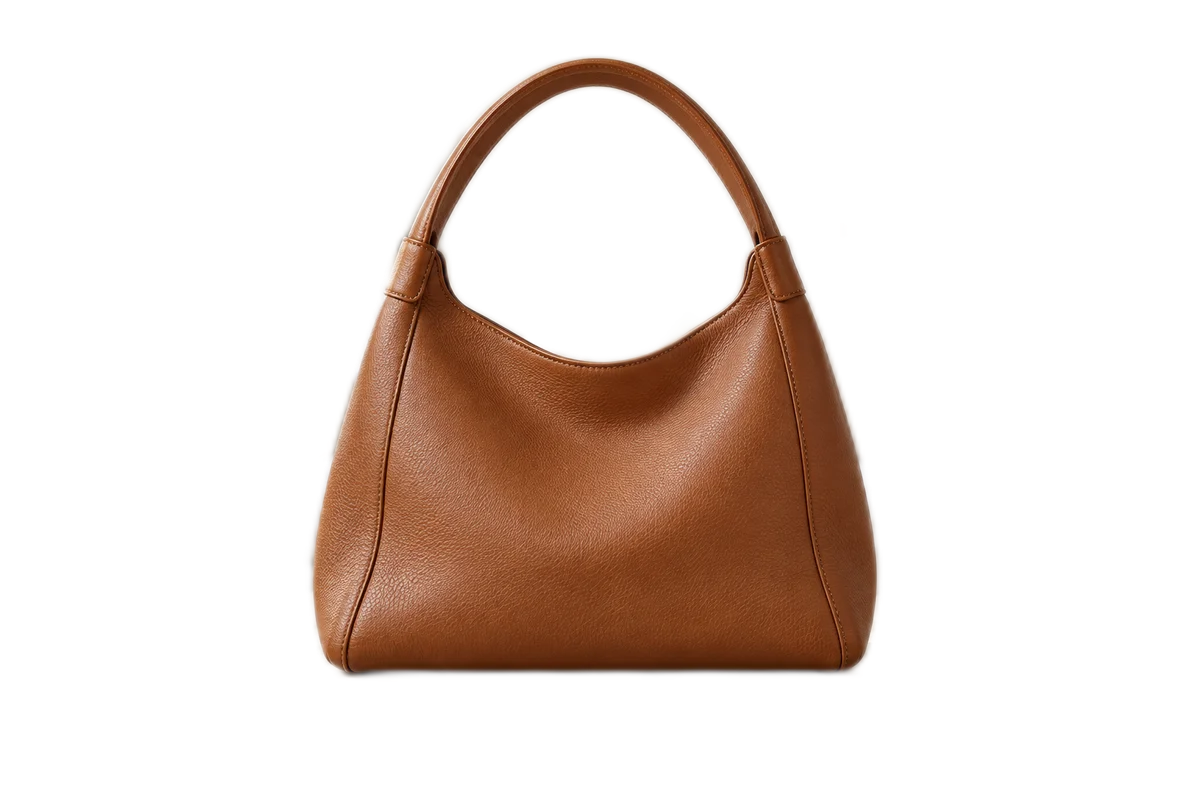
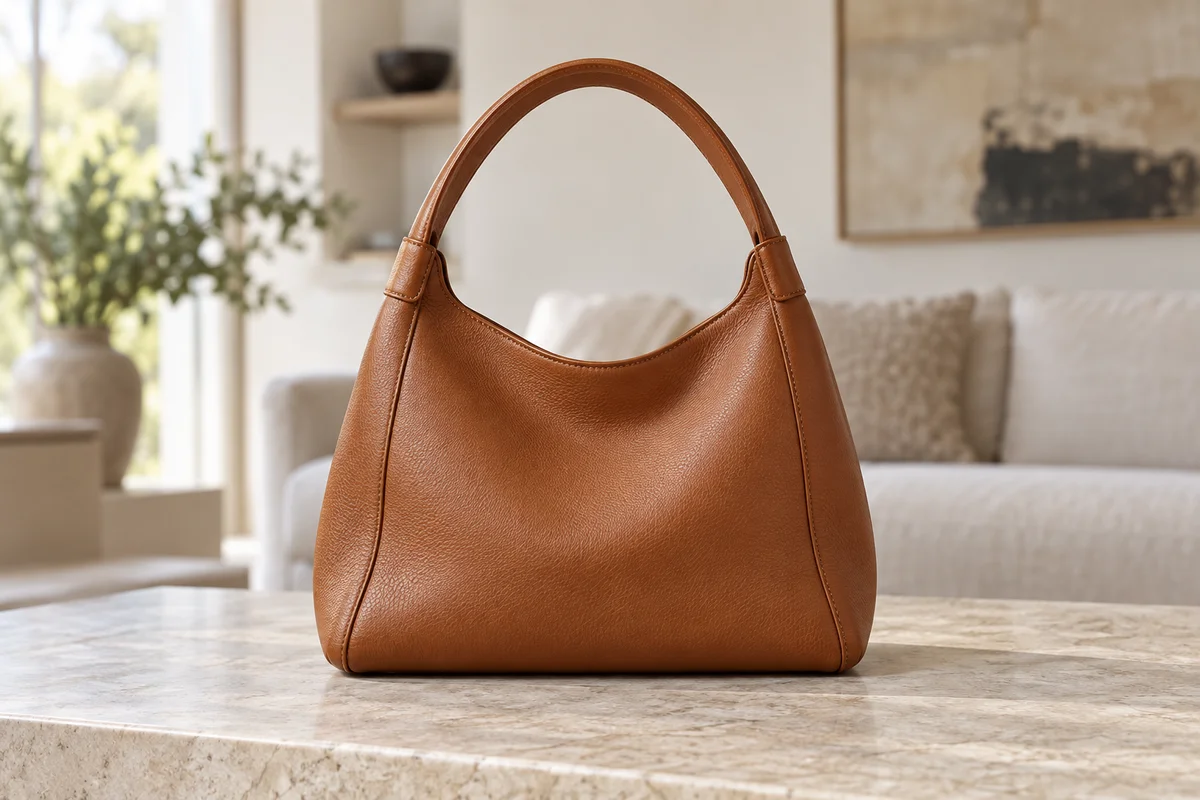
Choose a photo with a clear subject. Portraits, products and everyday objects are a good place to start.
Review the cutout against transparency or a solid color. Add a background photo for a different setting.
Save the PNG to your device and use it in a listing, presentation or your next design.